A readable full-body pose
Keep hands, feet and the body outline visible. Give the frame enough empty space for the movement you want to show.
Your next story Explore the credit plans for your next creative project.
 Toonbee AI
Create short dance-inspired character clips with Toonbee AI. Start from a clear reference and direct a simple movement, expressive pose and setting.
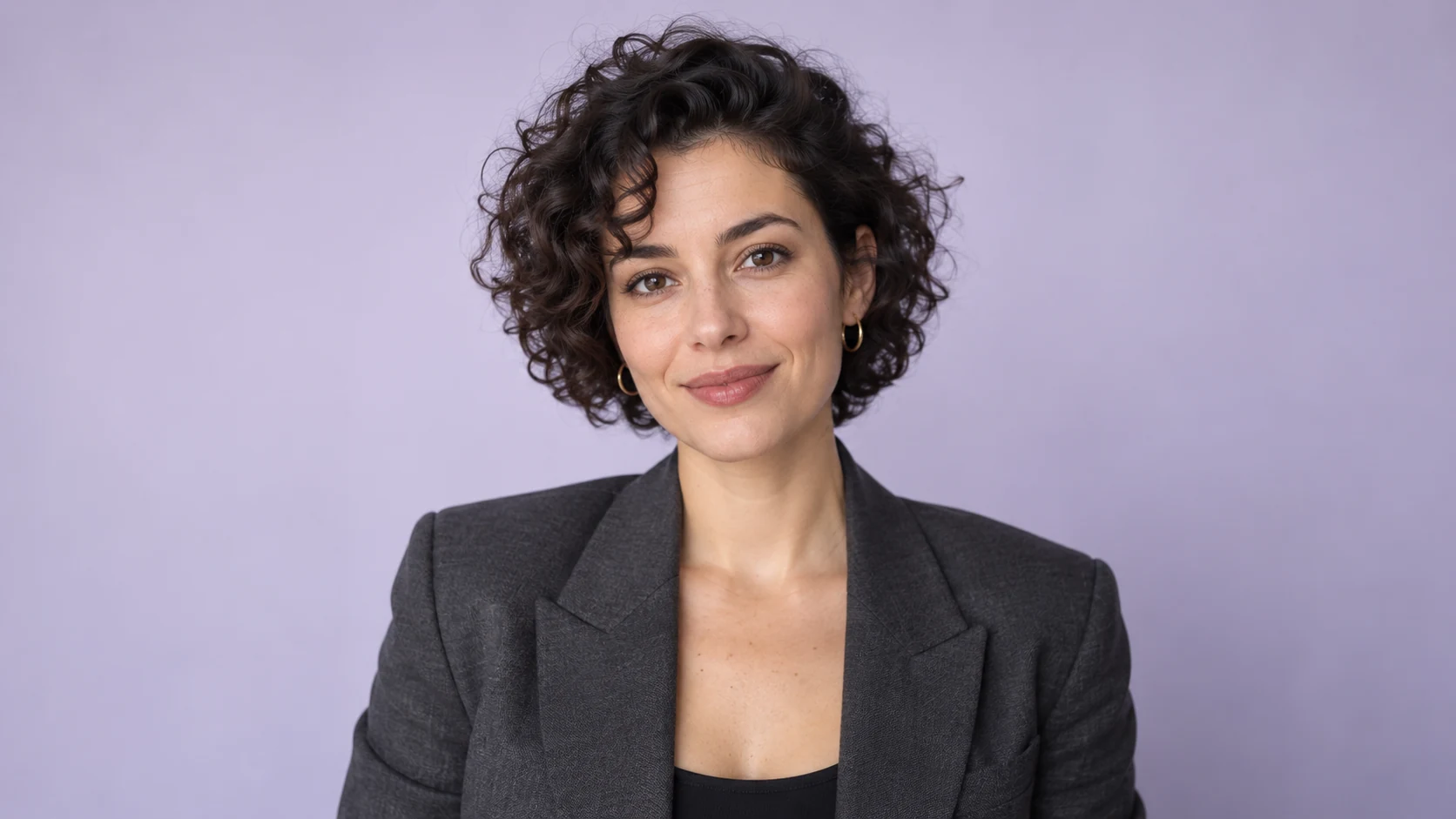
Animate the supplied character reference into a short friendly dance on a plain studio floor: one side step followed by a gentle shoulder bounce. Preserve the reference character’s appearance, keep the full body visible, use a fixed camera and soft violet rim light.
A strong dance clip starts with a visible full-body character and a movement simple enough to read. Describe the rhythm through actions such as a side step, a shoulder bounce or a small turn instead of asking for a whole routine at once.
Explore a new character performance with Toonbee AI, or use a reference image where supported. A generated dance is an interpretation; beat-perfect movement or copying a supplied routine depends on the actual motion options available.
Keep hands, feet and the body outline visible. Give the frame enough empty space for the movement you want to show.
Ask for one or two connected gestures rather than a long list of dance names. Concrete actions make the performance easier to direct.
A confident robot and a shy woodland animal can perform the same side step differently. Describe the attitude as well as the action.
Use an original character or a permitted reference. Pick a simple floor, a stable camera and clothing that leaves the silhouette clear.
Set the opening pose, the main gesture and the finish. Use motion references only when the chosen workflow supports them.
Check the hands, feet and balance through the clip. Add and align music in your editor if exact timing is important.
A fixed full-body view makes a small groove readable. Save dramatic camera moves for later versions after the basic motion works.
A flat studio floor or a simple stage gives feet a clear relationship to the scene. Busy reflections and deep shadows can hide contact problems.
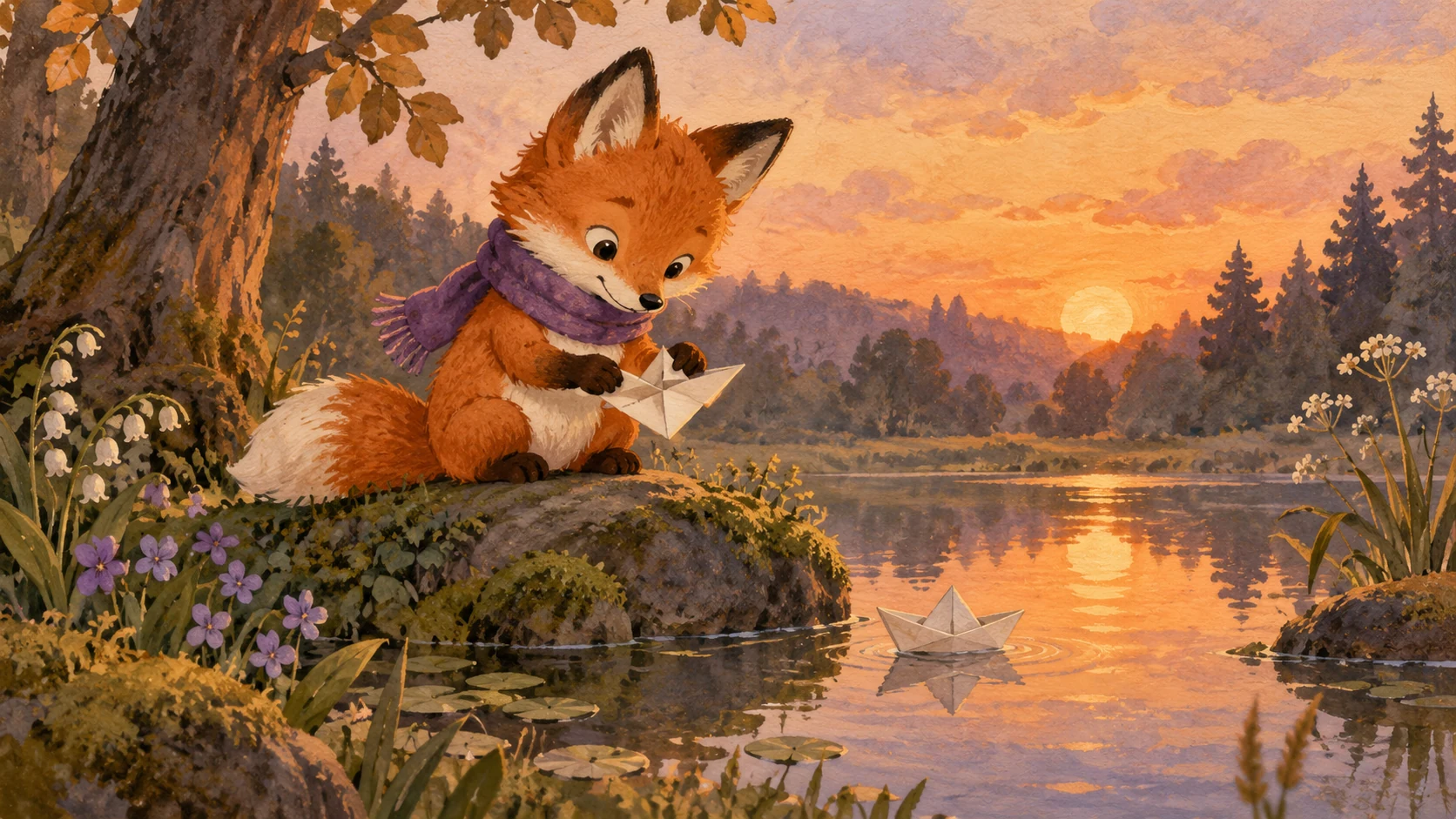
A plush mascot might sway and clap; a stylized athlete might step and pivot. Keep movement within a short, believable performance brief.

Generated movement is not automatically synchronized to your track. Choose licensed music, trim the clip and adjust the cut to the beat during editing.
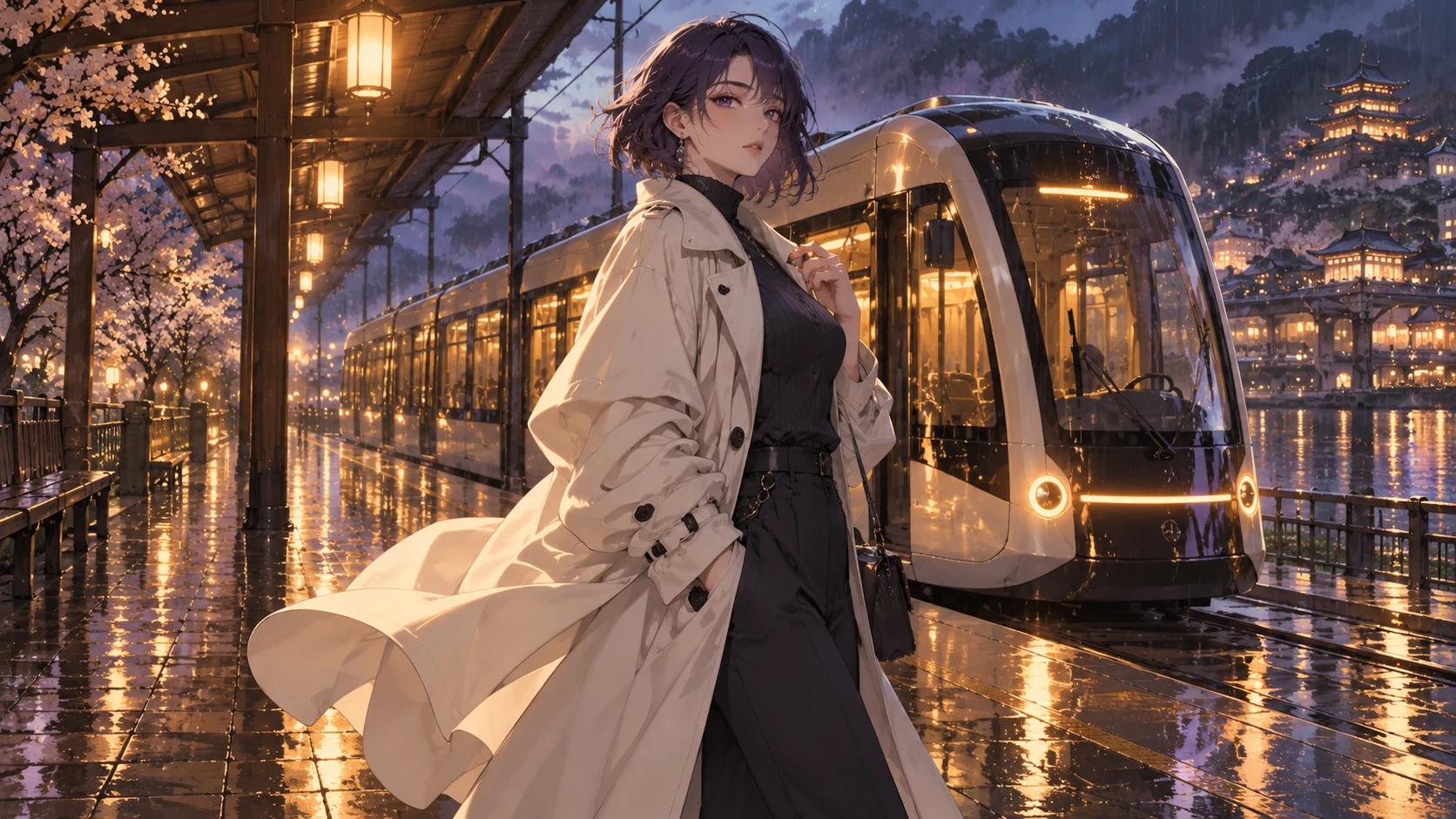
When motion-reference input is available, try a short simple gesture first. Review body proportions and identity before attempting a more complex sequence.
Original illustrative artwork and authored briefs show possible creative directions. Review the actual result from your selected workflow before sharing it.
Animate the supplied character reference into a short friendly dance on a plain studio floor: one side step followed by a gentle shoulder bounce. Preserve the reference character’s appearance, keep the full body visible, use a fixed camera and soft violet rim light.
Animate the supplied character reference swaying twice and raising both hands or paws in celebration on a simple wooden stage. Keep the original outfit and proportions recognizable, warm lantern lighting, fixed full-body view, clear hand and foot movement.
Using the supplied character image as the identity reference, create a short clip of a small pivot followed by a confident finishing pose. Keep the original clothing, uncluttered rehearsal room, full-body medium-wide shot, one continuous movement.
Create short dance-inspired character clips with Toonbee AI. Start from a clear reference and direct a simple movement, expressive pose and setting.