Page turns that create curiosity
End a spread with a question, a hidden object or an unfinished action. The next picture should reward the reader for turning the page.
Your next story Explore the credit plans for your next creative project.
 Toonbee AI
Plan an original picture book and create scene illustrations with Toonbee AI. Develop page turns, consistent characters and artwork ready for your layout.
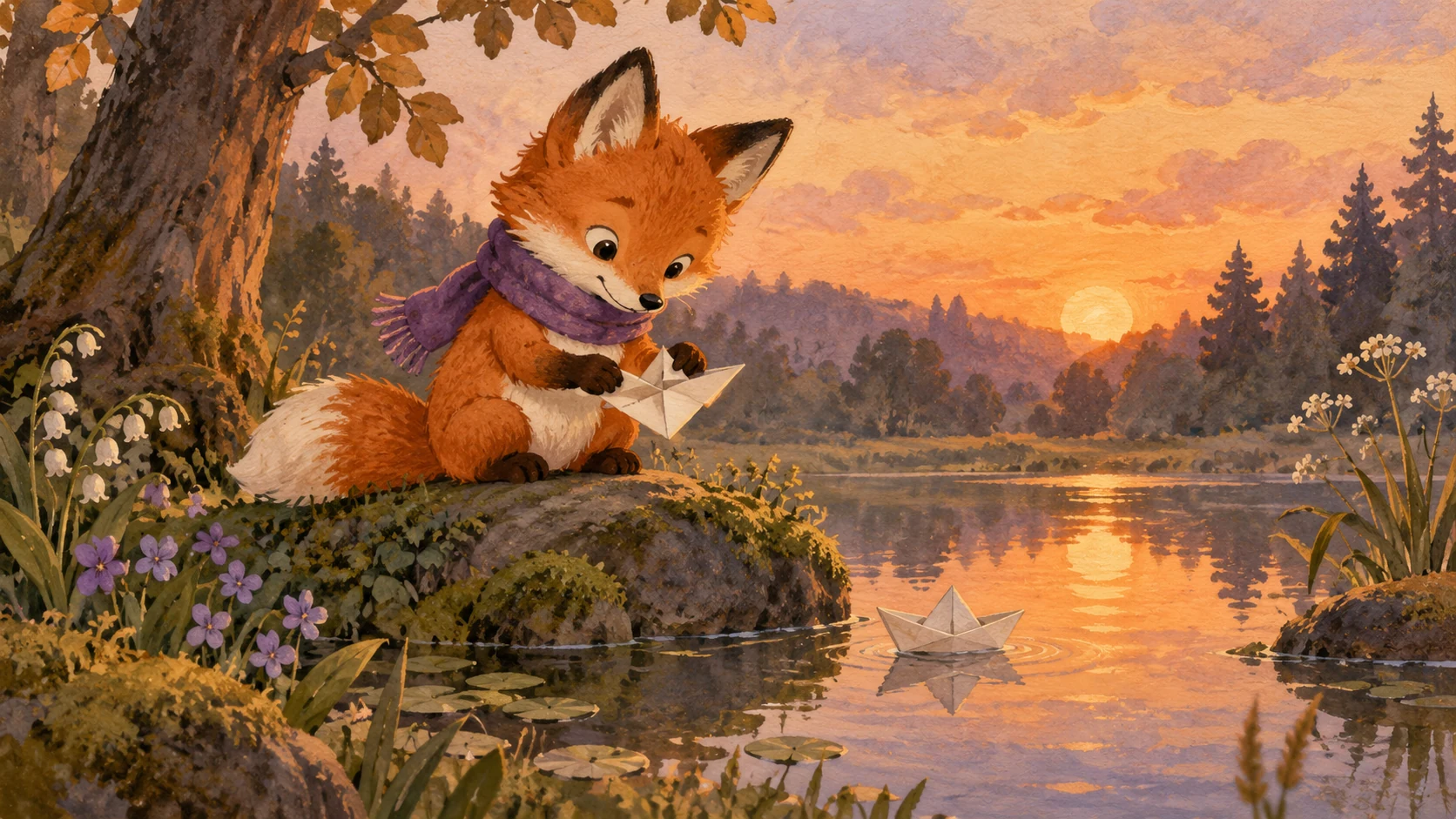
Watercolor picture-book spread of a small rabbit holding a leaf umbrella over a much larger bear. The bear crouches kindly, rain becomes soft blue dots, leave a calm cream area at the upper left for later story text.
A picture book is a sequence of discoveries. The text can tell us what a character believes while the illustration quietly reveals what they have missed. Plan those relationships before asking for a full set of pictures.
Use Toonbee AI to explore cover ideas, character references and scene illustrations. Review each image, keep a consistent visual brief and assemble your accepted pages with the final text, typography and layout yourself.
End a spread with a question, a hidden object or an unfinished action. The next picture should reward the reader for turning the page.
Keep the same appearance notes and color rules across illustrations, then compare the full sequence before choosing the final set.
Plan quiet areas for text and keep key faces or objects away from the intended page fold. Add the exact wording in a layout tool.
Choose the audience and story arc, then give each spread one event or discovery. Decide where a page turn changes the meaning.
Establish the hero, the world and the palette with a sample illustration. Reuse those choices in the briefs for later pages.
Generate scenes separately, review continuity and combine the accepted artwork with final text in your layout or video editor.
A shared read-aloud book can leave pauses for questions; an independent reader may need more context on each page. Write for a specific reading situation.
List what happens, what the picture shows and where the words will sit on each spread. This prevents repeated scenes and missing transitions.
Keep a main character image, a palette and a few setting details together. Compare clothing, scale and props whenever you add a new page.

Use generated illustrations as artwork, then add and proofread the actual story text in your layout tool. Do not depend on generated lettering for a final reading copy.
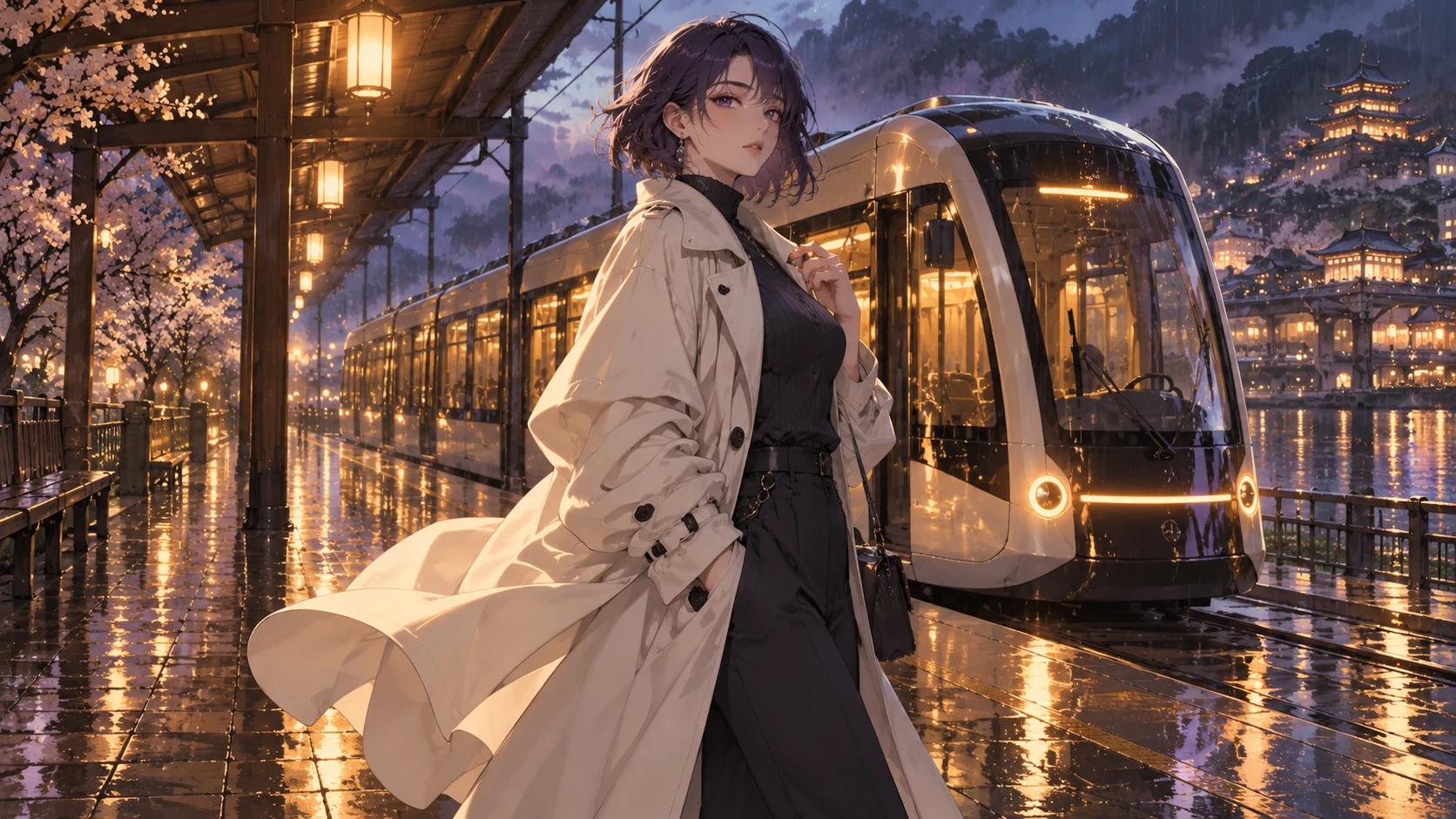
An image sequence can become a read-along video after you add narration, timing and transitions in an editor. This is a separate assembly step, not an automatic printed-book or narrated-video export.
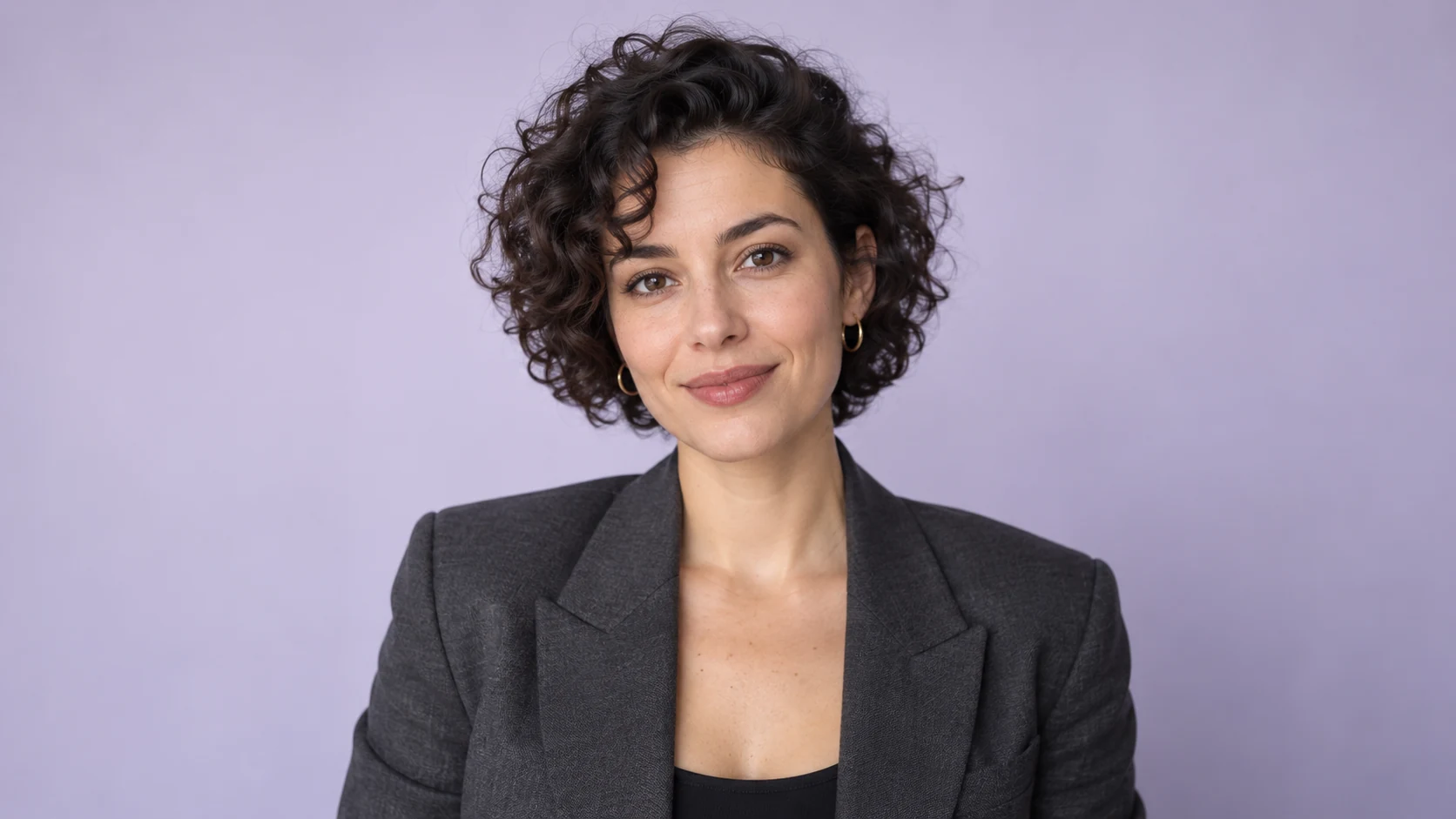
Original illustrative artwork and authored briefs show possible creative directions. Review the actual result from your selected workflow before sharing it.
Watercolor picture-book spread of a small rabbit holding a leaf umbrella over a much larger bear. The bear crouches kindly, rain becomes soft blue dots, leave a calm cream area at the upper left for later story text.
Original gouache storybook illustration of a child gardener discovering a tiny door at the base of a sunflower. Warm ochre and sage palette, readable small figure, important details away from the center fold, no words.
Cover artwork for an original tale about a fox delivering a borrowed star. A red fox in a teal scarf stands below a large quiet night sky, glowing basket at its feet. Leave generous title space and add no lettering.
Plan an original picture book and create scene illustrations with Toonbee AI. Develop page turns, consistent characters and artwork ready for your layout.