One character, one action
A character reaching for a runaway hat gives the shot a clear goal and a visible ending.
Your next story Explore the credit plans for your next creative project.
 Toonbee AI
Turn an original idea into a cartoon scene with a clear character, readable action and chosen visual style. Plan longer cartoon stories shot by shot.
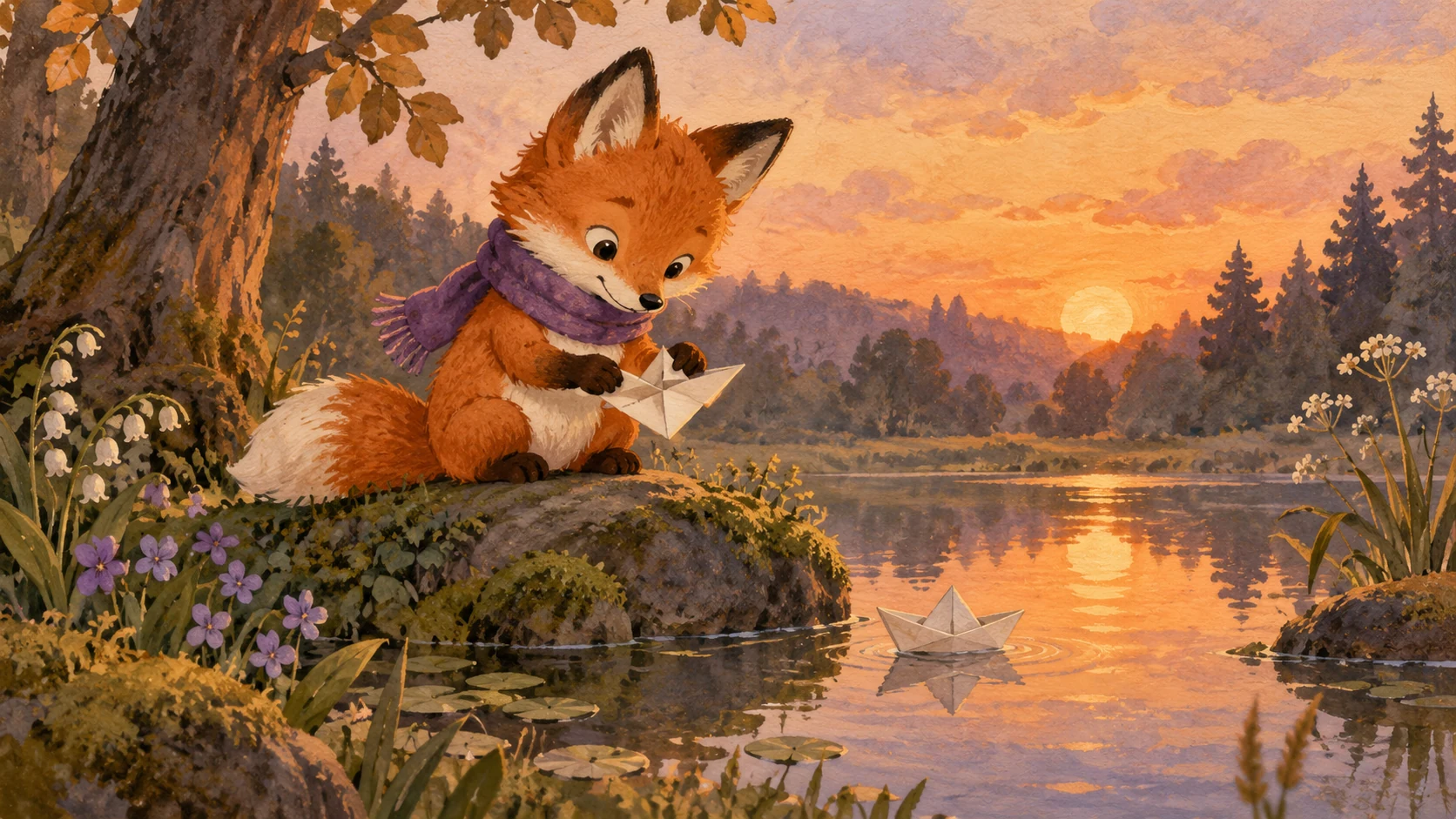
An original small fox wearing a teal scarf stands in a sunny park. A red hat rolls one step away and the fox gently reaches for it. Flat illustrated cartoon, rounded trees, fixed medium shot, one clear action, no text.
A useful cartoon brief tells us who the character is, what changes and why the moment matters. You do not need to describe an entire world to make a small scene engaging.
Use Toonbee AI to explore the look and generate manageable shots. For a longer story, keep a character reference, review each scene and assemble selected clips in the order of your script.
A character reaching for a runaway hat gives the shot a clear goal and a visible ending.
Define linework, shape and texture together, from flat illustrated color to softly lit dimensional characters.
Save a reference sheet and reuse the identifying details when planning another shot of the same character.
Name the character, setting and one event. Keep the first attempt small enough to judge in a single clip.
Describe the look, framing and movement, adding a character reference when the chosen option supports it.
Check the action and character details, save the useful take and plan the next shot with the same visual notes.
A visible obstacle or a clearly held object gives the viewer an immediate clue. Start the shot before the action so the change can be understood.
Use repeatable details such as a striped scarf, round glasses and a small satchel. Abstract personality words help tone, but visible features support continuity.
A flat paper character may suit a small gesture better than a rapid camera orbit. Choose movement that helps the artwork stay readable.

Outline the scene order, generate each shot and compare transitions. This provides control over pacing without assuming a complete cartoon will appear in one request.
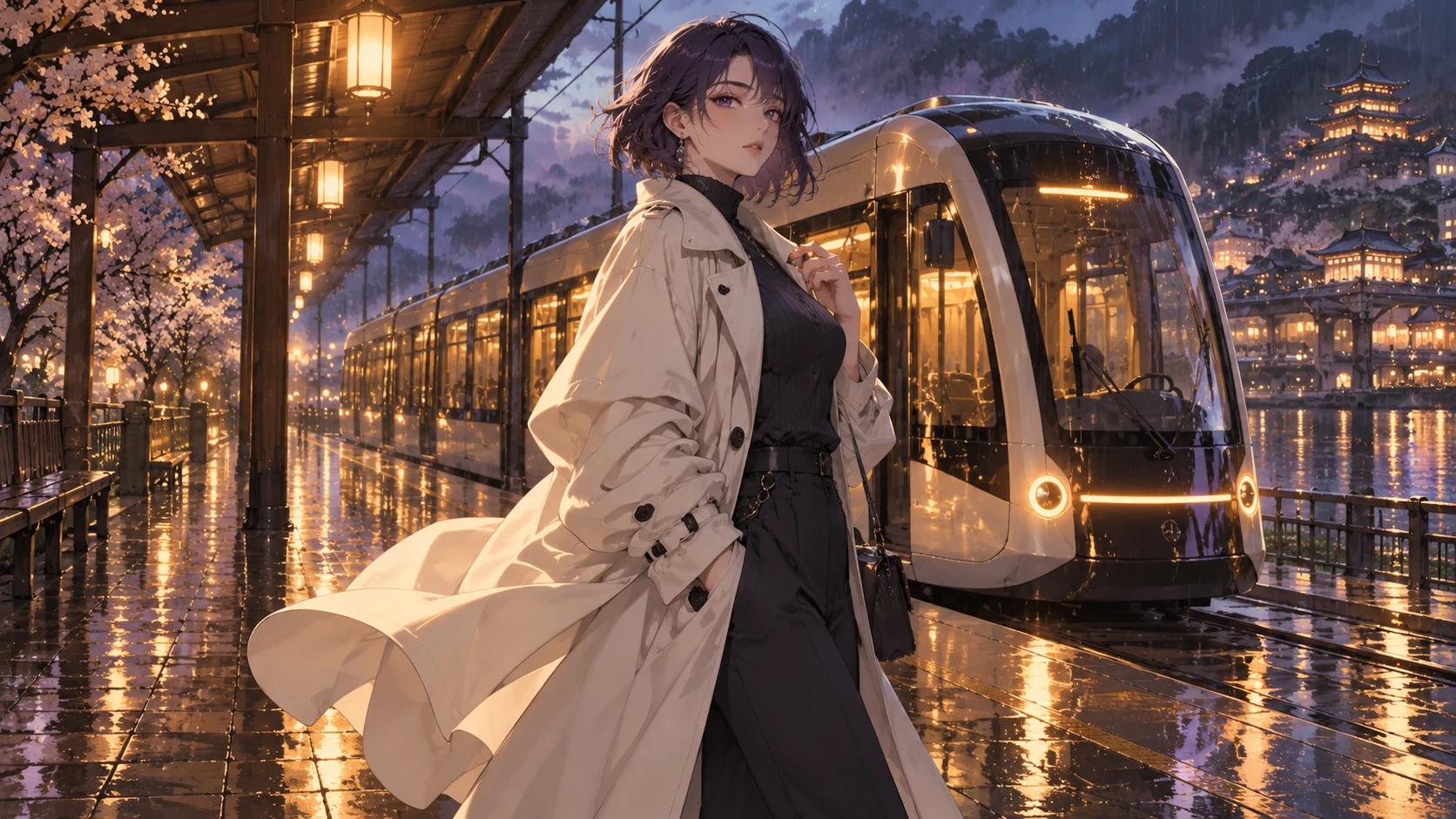
Decide where narration or captions will add meaning. Keep critical wording in an editor where it can be checked, and use available sound options only after previewing them.
Original illustrative artwork and authored briefs show possible creative directions. Review the actual result from your selected workflow before sharing it.
An original small fox wearing a teal scarf stands in a sunny park. A red hat rolls one step away and the fox gently reaches for it. Flat illustrated cartoon, rounded trees, fixed medium shot, one clear action, no text.
A tiny original courier with round glasses places a glowing parcel on a doorstep under a crescent moon. The door opens just a little and warm light spills out. Soft dimensional cartoon, slow gesture, stable costume and camera.
Two original cartoon children stand at a rainy bus stop. One quietly moves a yellow umbrella to cover the other. Gentle watercolor texture, clear silhouettes, one slow movement, no written dialogue.
Turn an original idea into a cartoon scene with a clear character, readable action and chosen visual style. Plan longer cartoon stories shot by shot.