Text-led exploration
Describe the subject, setting and a single change to test a new animated concept without a finished illustration.
Your next story Explore the credit plans for your next creative project.
 Toonbee AI
Turn a text-described character or scene into animation with one intentional movement. Plan the motion, camera and style in Toonbee AI.
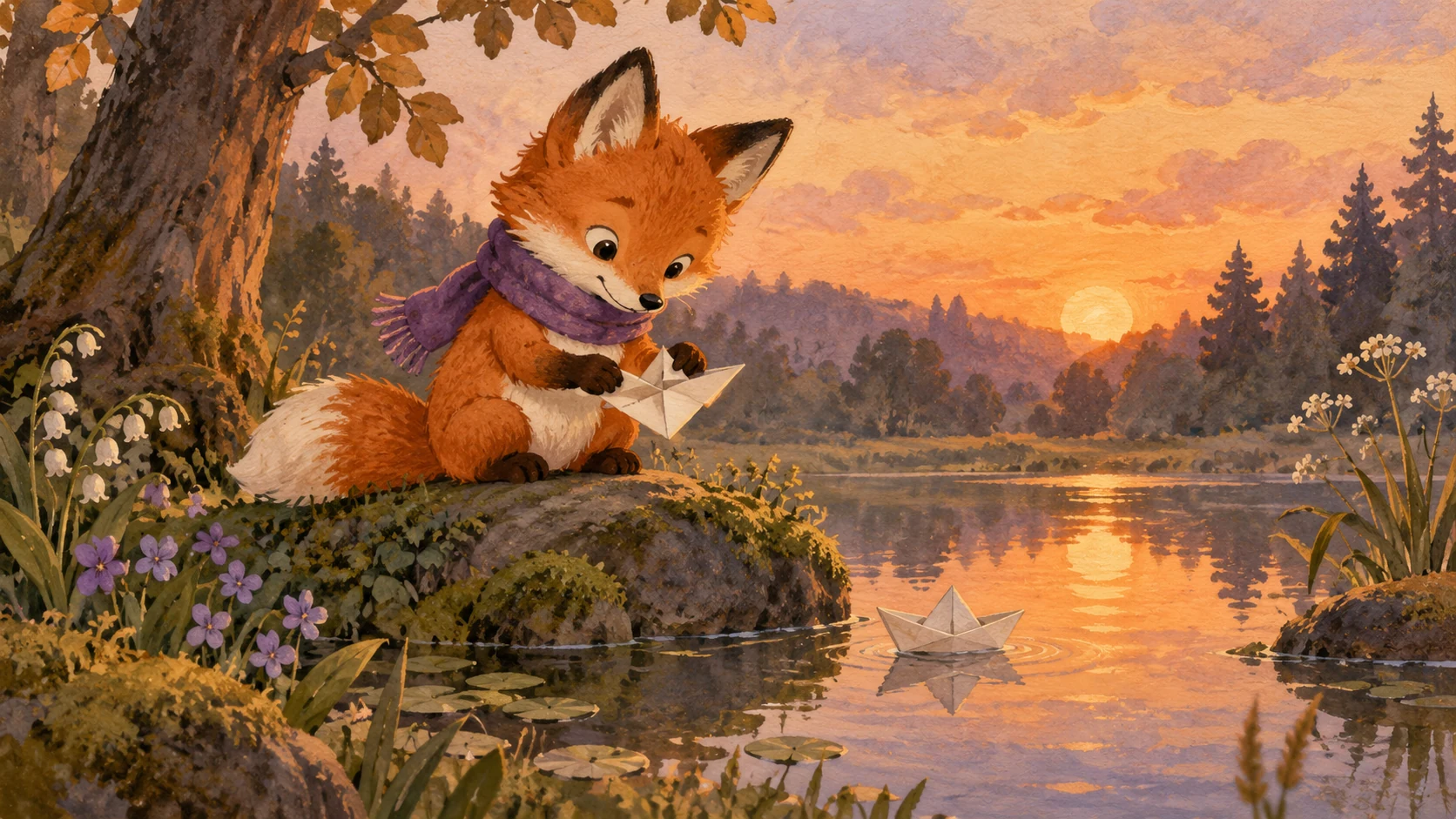
A small blue paper boat floats in a shallow puddle after rain. It drifts gently from the center toward the right while the camera stays fixed. Soft illustrated style, subtle ripples, preserve the boat shape, no extra objects.
Animation feels purposeful when something changes: a flower opens, a character looks up or a paper boat begins to drift. Choose that change before adding camera effects or extra objects.
Use this page to describe a new animated scene in text. If an existing illustration must guide the motion, choose an image-input workflow separately. In either case, define the action clearly and review how the movement treats the artwork.
Describe the subject, setting and a single change to test a new animated concept without a finished illustration.
If you already have artwork, decide what should move and what should stay still, then use a separate workflow that accepts an image.
A fixed camera, gentle push or slow pan can support the motion without distracting from it.
Describe a subject, a setting and the part that should change. For an existing image, first switch to a workflow that accepts image input.
Specify direction, pace and camera behavior; keep the first version to one main action.
Watch the beginning and ending, check image integrity and revise only the motion that missed the goal.
Detailed illustrations often work better with subtle movement. Animate a gaze or a breeze before attempting a fast run or a large camera rotation.
If both the subject and viewpoint move quickly, the result becomes harder to judge. Test one type of motion first, then add the other only when needed.
When animating a drawing, name the features that must remain recognizable: outline, face, costume or lettering already in the image. Inspect those areas frame by frame if necessary.

“The leaf drifts toward the right edge” is easier to stage than “make it dynamic.” A direction and endpoint help establish a useful motion arc.
A small repeating action can be a good loop candidate, but seamlessness is not automatic. Compare the first and last frames and adjust the edit if needed.

Original illustrative artwork and authored briefs show possible creative directions. Review the actual result from your selected workflow before sharing it.
A small blue paper boat floats in a shallow puddle after rain. It drifts gently from the center toward the right while the camera stays fixed. Soft illustrated style, subtle ripples, preserve the boat shape, no extra objects.
An original illustrated fox drawn on textured paper slowly looks up and blinks once. Keep the outline, colors and simple face stable. A fixed close view, no camera rotation, restrained motion and soft natural light.
An original illustrated garden at blue hour with a single warm paper lantern. A light breeze makes the lantern sway slightly while the background remains still. Gentle painted texture, quiet mood, fixed composition.
Turn a text-described character or scene into animation with one intentional movement. Plan the motion, camera and style in Toonbee AI.