Footage with a readable subject
A steady shot and a visible face or silhouette provide a stronger starting point than motion blur, crowding or repeated camera cuts.
Your next story Explore the credit plans for your next creative project.
 Toonbee AI
Explore a new cartoon look for a short clip with Toonbee AI. Prepare a clear source video and use an available video transformation workflow.

Style brief for a supplied clip of one person waving at a park bench: clean dark outlines, simplified warm colors and flat cel shading. Keep the person as the primary subject and avoid decorative text.
Video-to-cartoon work begins with footage that is easy to read: one main subject, a simple background and a continuous action. These choices give a transformation more useful structure than a busy scene with rapid cuts.
Choose the cartoon treatment before processing the clip. Actual motion preservation, audio handling and supported uploads depend on the enabled transformation options; when conversion is unavailable, create a new cartoon scene from your idea instead.
A steady shot and a visible face or silhouette provide a stronger starting point than motion blur, crowding or repeated camera cuts.
Describe line weight, shading and color simplification. A consistent treatment makes the transformation feel like a visual choice.
Compare the full clip with the source, especially hands, faces and object contact. Keep the source file so you can evaluate changes accurately.
Trim the footage to one continuous action. Use a clip you own or have permission to transform.
Choose the available transformation workflow and describe the desired outlines, palette and shading. Review the upload and duration choices shown there.
Watch from beginning to end, check important motions and decide whether to adjust the style or simplify the source.
Waving, walking or turning to camera provides a clear motion to evaluate. Try one simple action before attempting complex interaction between several people.
Bold outlines suit graphic silhouettes; softer edges suit a painted treatment. Keep the description focused so competing styles do not fight for attention.
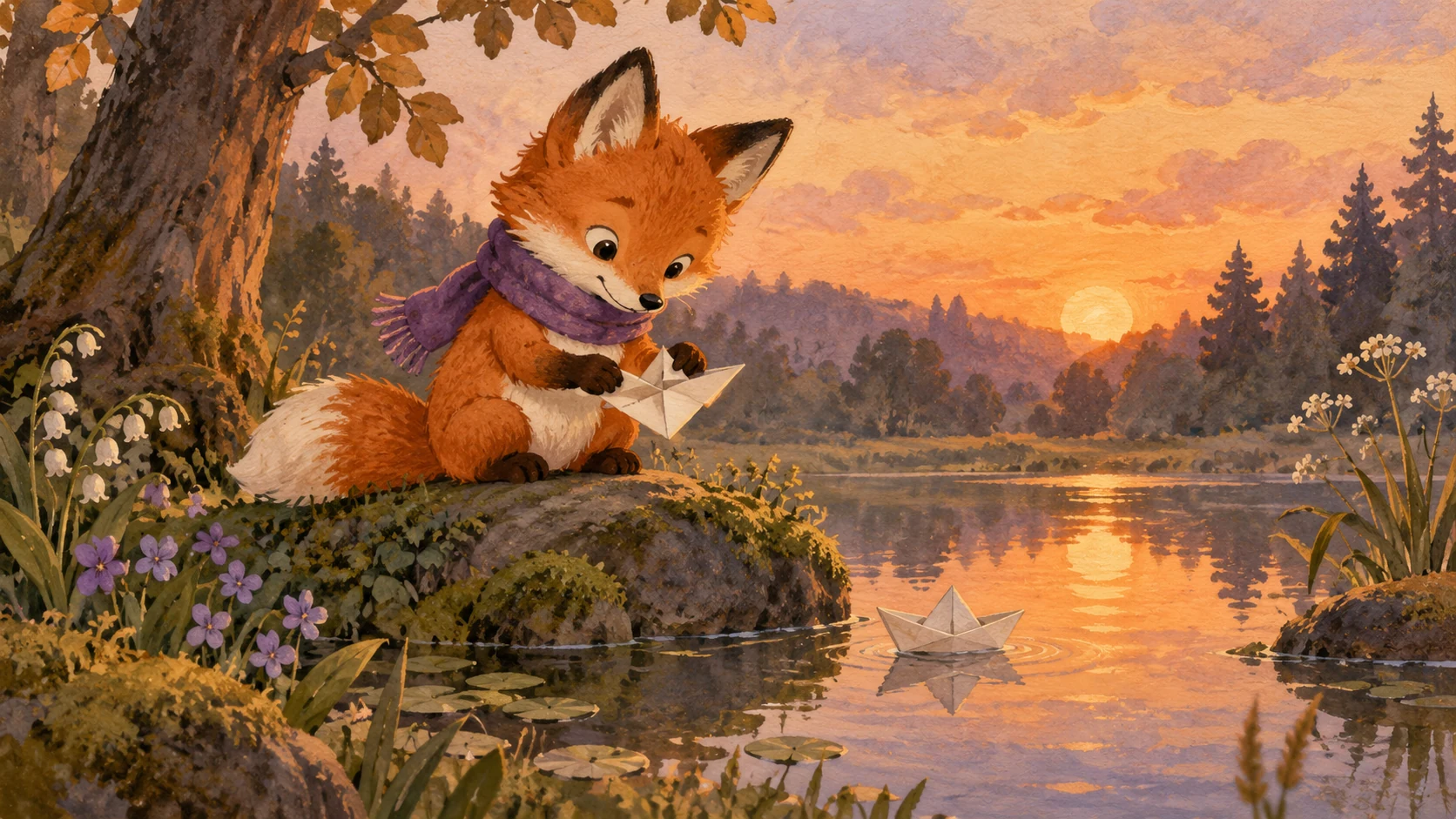
Tell the workflow which subject and visual traits matter. Tiny logos, fine jewellery and small text may change, so do not rely on them for essential information.

Do not assume the source audio will pass through unchanged. Review the options, and keep your own audio track available for the final edit.
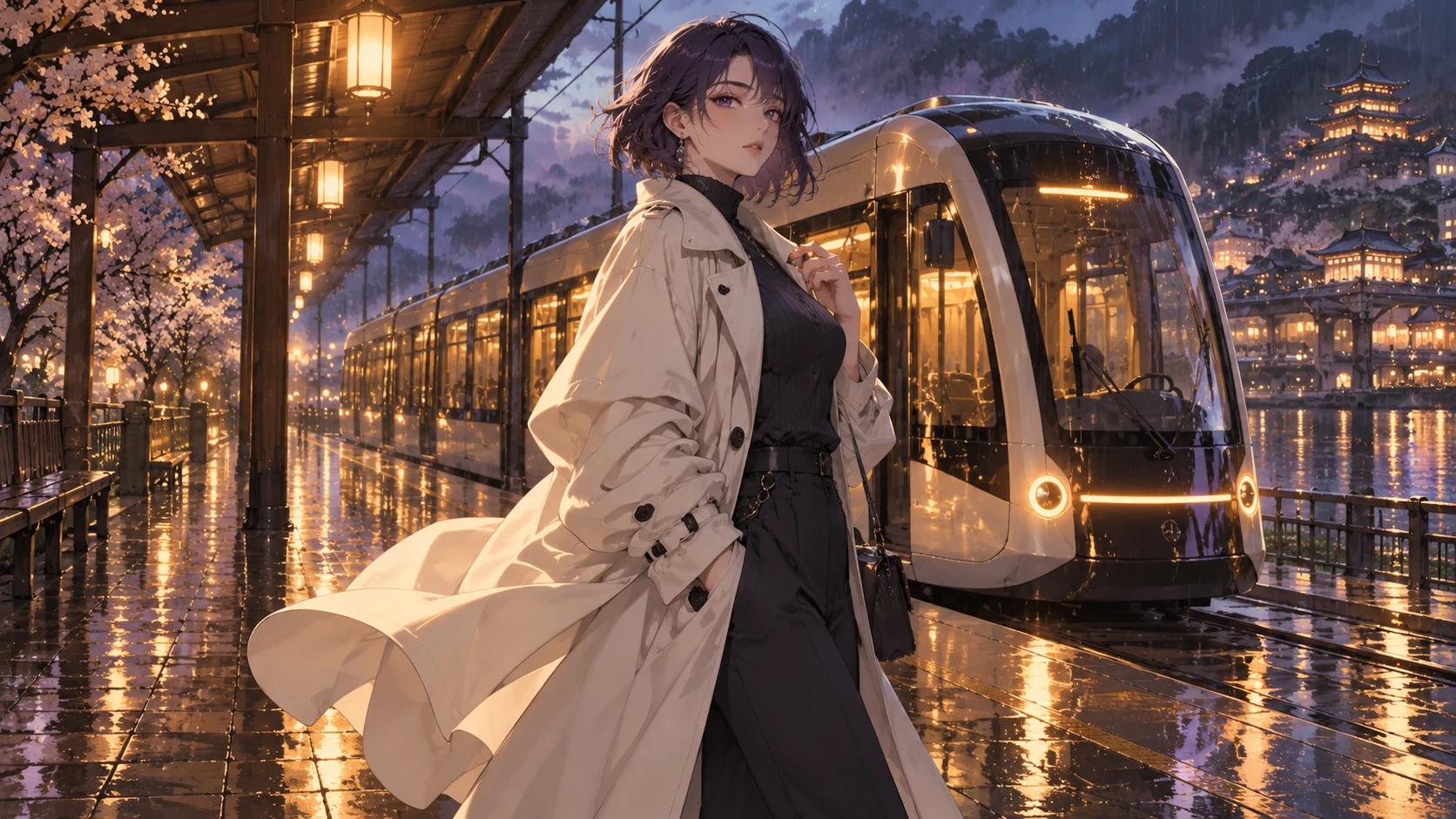
If exact motion transfer is unavailable, describe the original idea as a new scene. This creates new footage rather than pretending to convert the source frame for frame.
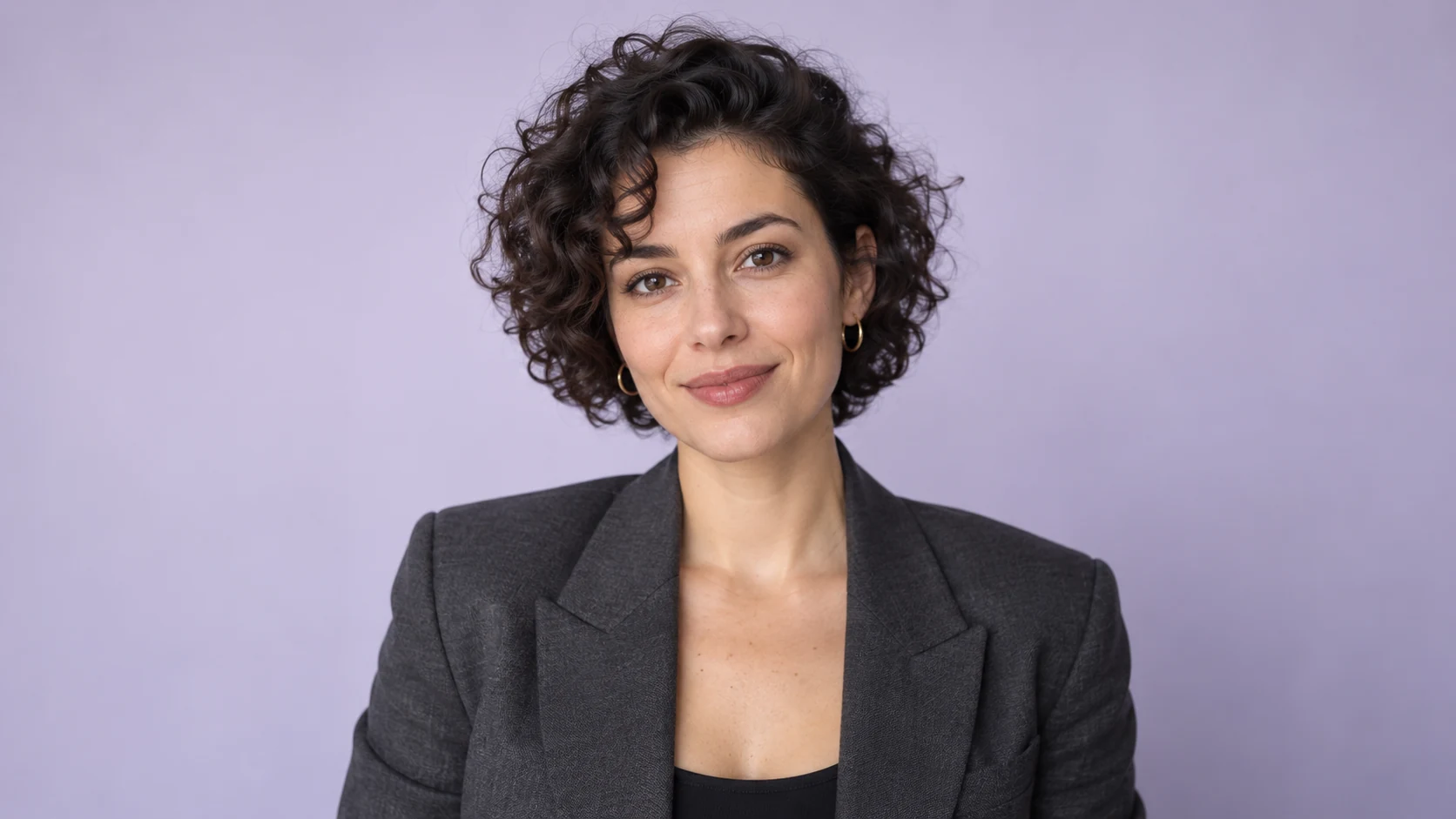
Original illustrative artwork and authored briefs show possible creative directions. Review the actual result from your selected workflow before sharing it.
Style brief for a supplied clip of one person waving at a park bench: clean dark outlines, simplified warm colors and flat cel shading. Keep the person as the primary subject and avoid decorative text.
Transform the visual treatment of a supplied short dog-walking clip toward soft gouache, rounded foliage and a muted pastel palette. Focus on the single dog and its path; review leg movement afterward.
Visual direction for a short studio clip of one performer lifting a hat: limited three-color palette, confident ink contours and sparse halftone shadows. No added captions or speech bubbles.
Explore a new cartoon look for a short clip with Toonbee AI. Prepare a clear source video and use an available video transformation workflow.