Style with a clear direction
Describe outlines, shading and proportions so the transformation has a consistent visual goal, from graphic flat colors to soft dimensional forms.
Your next story Explore the credit plans for your next creative project.
 Toonbee AI
Turn a clear photo into an original cartoon interpretation with Toonbee AI. Explore expressive portraits and pet artwork around recognizable visual traits.
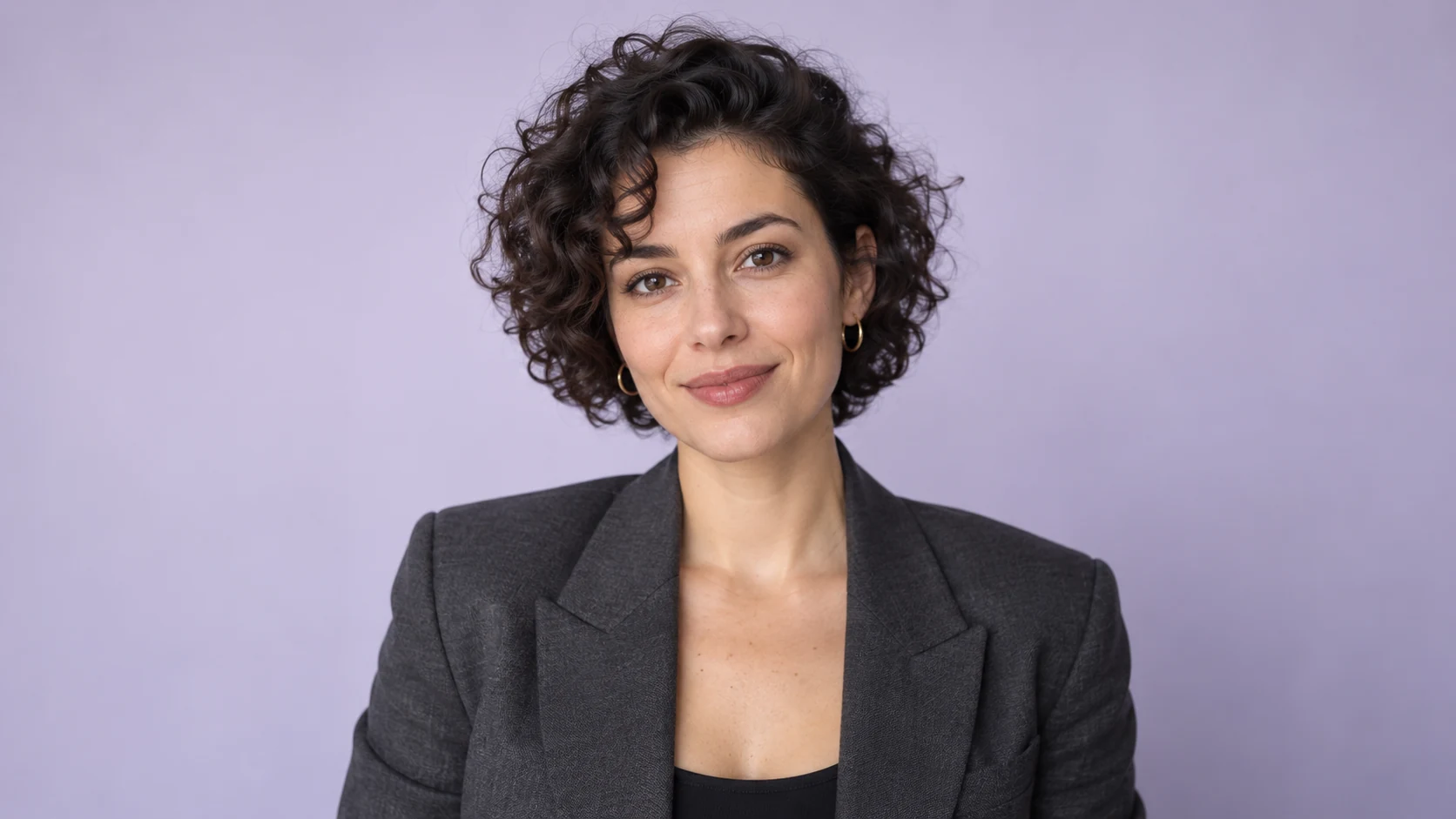
Using the supplied portrait as a reference, create a clean cartoon head-and-shoulders illustration. Preserve the short curly hair and round glasses, simplify the background to warm cream, soft cel shading, no text.
A useful reference has a visible face, even lighting and enough detail to understand the hair, outfit or markings. Tell the image workflow what matters most instead of expecting every small detail to survive a style change.
Create a cartoon interpretation for a profile, a pet portrait or a character concept. Compare the result with your original photo, refine the style and save the version that best balances likeness and expression.
Describe outlines, shading and proportions so the transformation has a consistent visual goal, from graphic flat colors to soft dimensional forms.
Call out a distinctive haircut, glasses or a pet's coat pattern. These visual anchors help you evaluate whether the result still feels like your subject.
Plan the crop and background for an avatar, a gift or a story reference. Leave extra room around the subject when you need flexible framing.
Choose a sharp image with an unobstructed subject. Crop out distractions and avoid starting with heavy filters.
Use the reference-enabled image workflow and specify the desired linework, palette and essential features.
Check facial features, markings and the crop. Adjust one issue at a time so you can tell which change improves the result.
Even daylight reveals the face without hiding half the subject in shadow. A simple source usually gives you more useful style choices than a dark, blurry photo.
A small avatar may benefit from a larger face and simplified details. A full character portrait needs readable clothing and enough room for the pose.
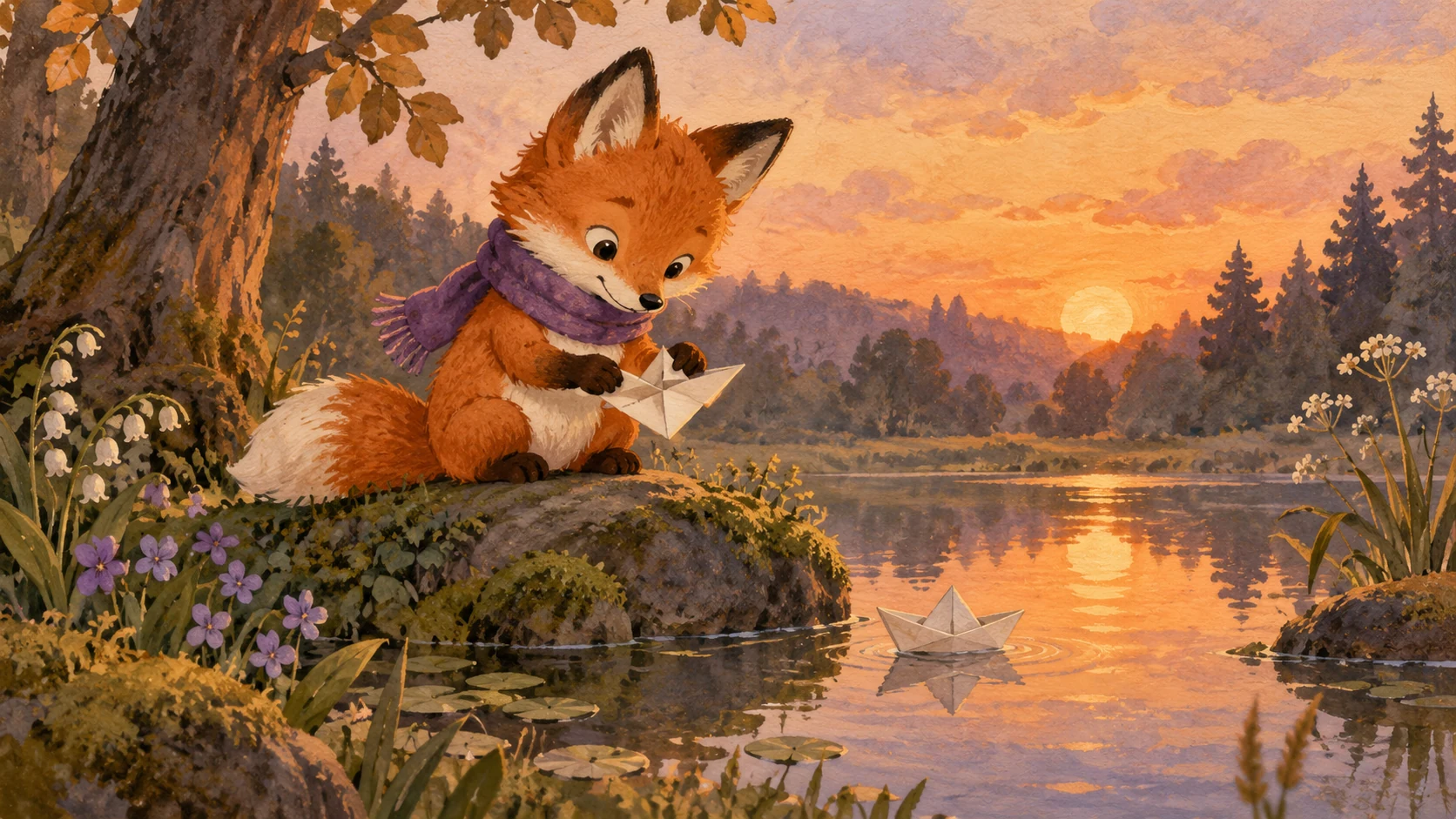
Describe the white paw, bent ear or patch around one eye. Review these details before accepting the artwork as a portrait of your pet.
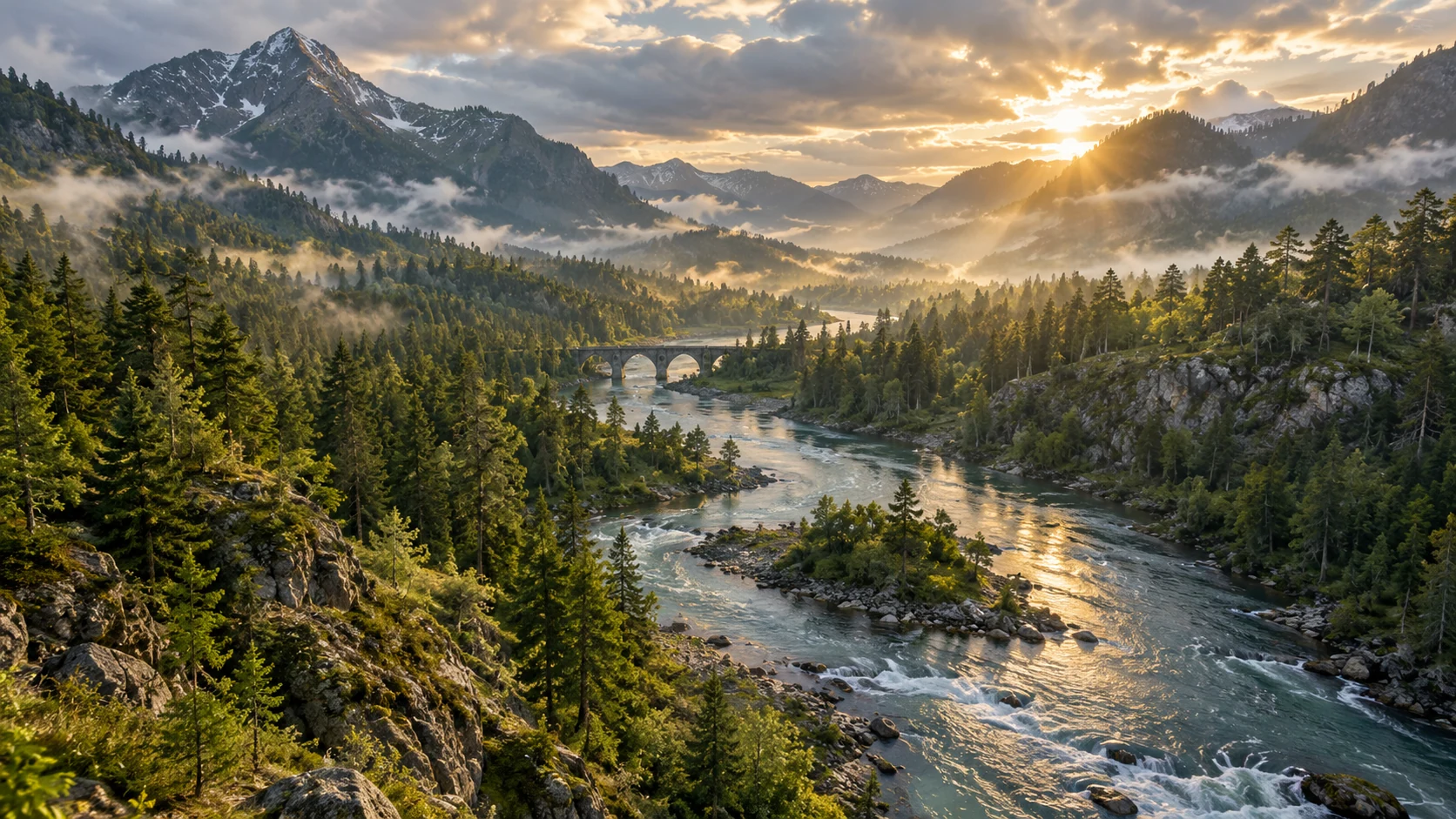
A quiet solid backdrop works for an icon; a simple garden can suit a keepsake illustration. Avoid background detail that competes with the face.
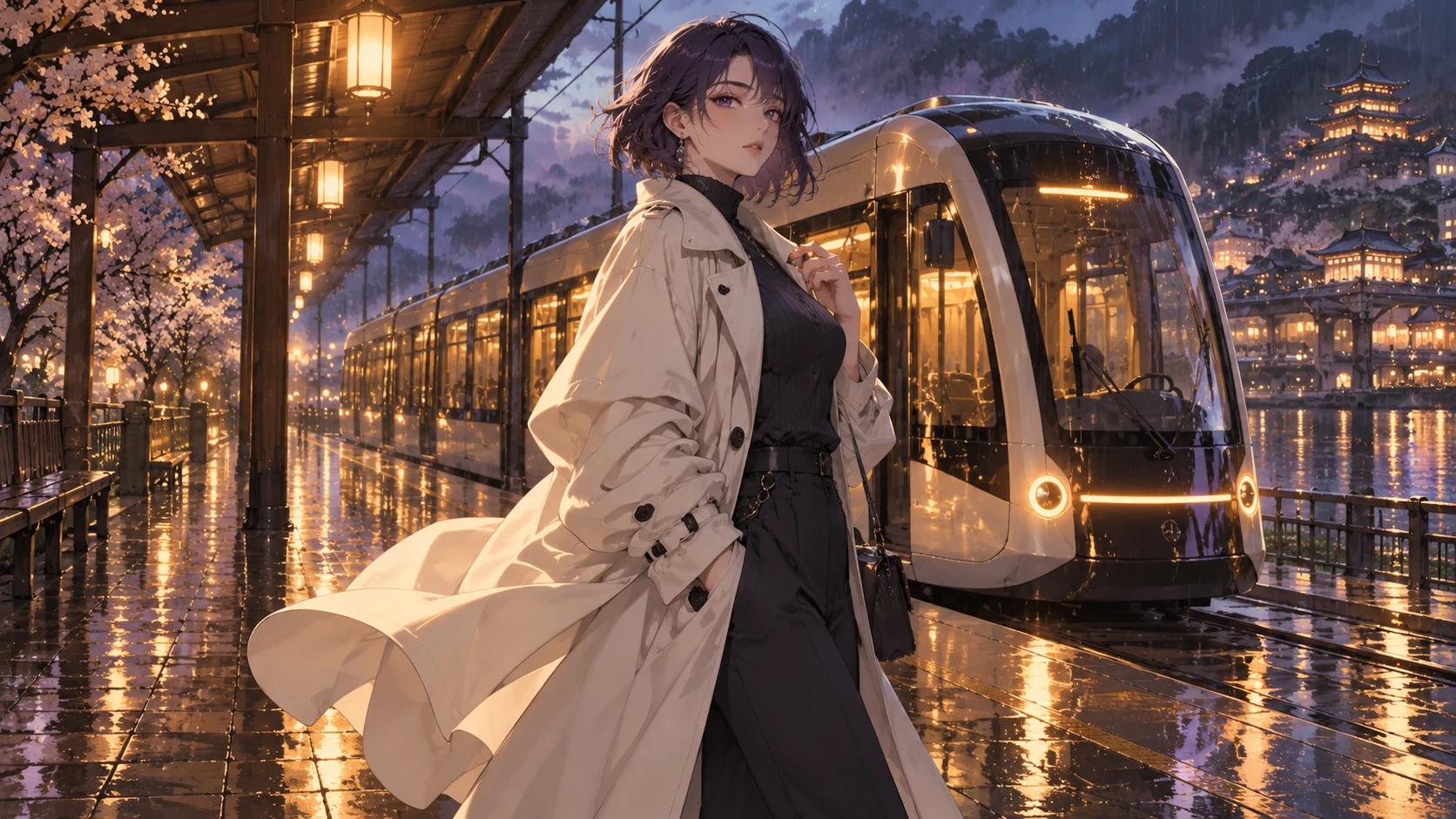
If you plan to animate the character later, save a clear version with visible proportions and a stable outfit. A portrait alone does not contain a full motion sequence.
Original illustrative artwork and authored briefs show possible creative directions. Review the actual result from your selected workflow before sharing it.
Using the supplied portrait as a reference, create a clean cartoon head-and-shoulders illustration. Preserve the short curly hair and round glasses, simplify the background to warm cream, soft cel shading, no text.
Cartoon interpretation of the supplied dog photo, keeping the white left paw and one folded ear. Rounded painted shapes, gentle window light and a simple sage-green cushion, expressive but recognizable.
Transform the supplied outdoor portrait into a limited-palette comic illustration. Keep the red jacket and wavy hair, use confident ink lines and a simplified mountain backdrop, avoid lettering and logos.
Turn a clear photo into an original cartoon interpretation with Toonbee AI. Explore expressive portraits and pet artwork around recognizable visual traits.