Purpose before decoration
Specify whether the character guides, entertains or represents a brand. That purpose helps you decide which details matter.
Your next story Explore the credit plans for your next creative project.
 Toonbee AI
Design original characters for stories, mascots and creative projects. Explore a clear role, distinctive silhouette and expressive face with Toonbee AI.
Original small turtle mascot carrying a simple leaf-shaped backpack, friendly open expression and clean rounded silhouette. Flat vector-like illustration, three-color green palette, plain light background, no logo or text.
A story protagonist needs emotional range, while a small mascot needs a shape people can recognize quickly. Begin with the job the character should do and choose a style, pose and level of detail that support it.
Toonbee AI lets you explore those decisions through portraits and character concepts. Save a useful reference, test a different expression and review the design at the size where you intend to use it.
Specify whether the character guides, entertains or represents a brand. That purpose helps you decide which details matter.
Distinct proportions and a small number of signature features make the character easier to identify in a lineup or at thumbnail size.
Explore how the character reacts, not just how they look. A change of pose can reveal whether the design supports the role you imagined.
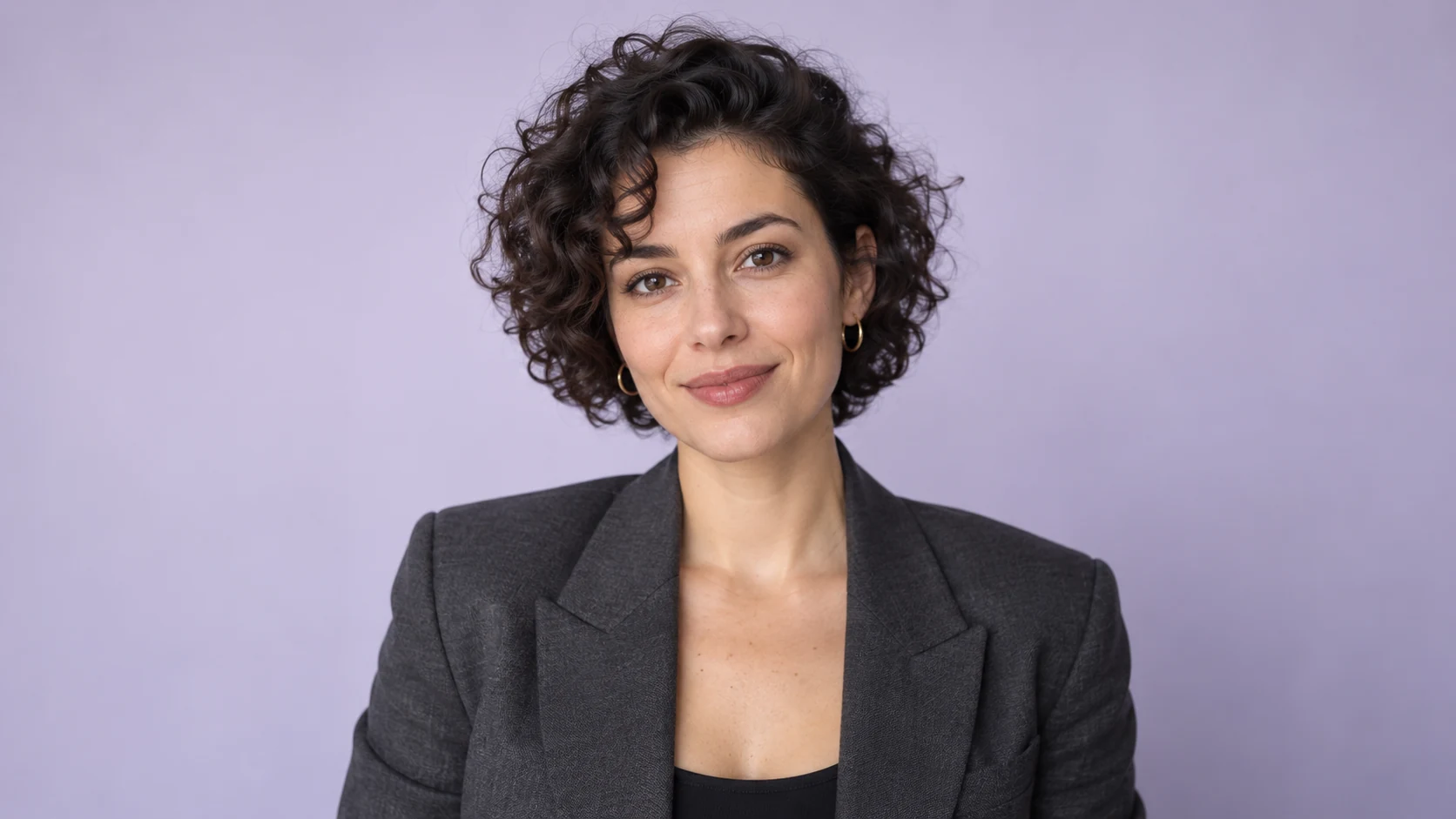
Describe the character's job, personality and the people who will see it. Choose a visual tone that fits the project.
Start with a simple pose and background. Evaluate the face, silhouette and clothing before adding elaborate scenery.
Try one expression or pose change at a time. Keep the version that remains recognizable across the most useful variations.
A large face, a simple body and one distinctive prop can work better than intricate costume detail. Check the image as a small icon before choosing it.
Give each cast member a different silhouette or color balance while keeping the same visual world. Shared rendering does not require identical shapes.
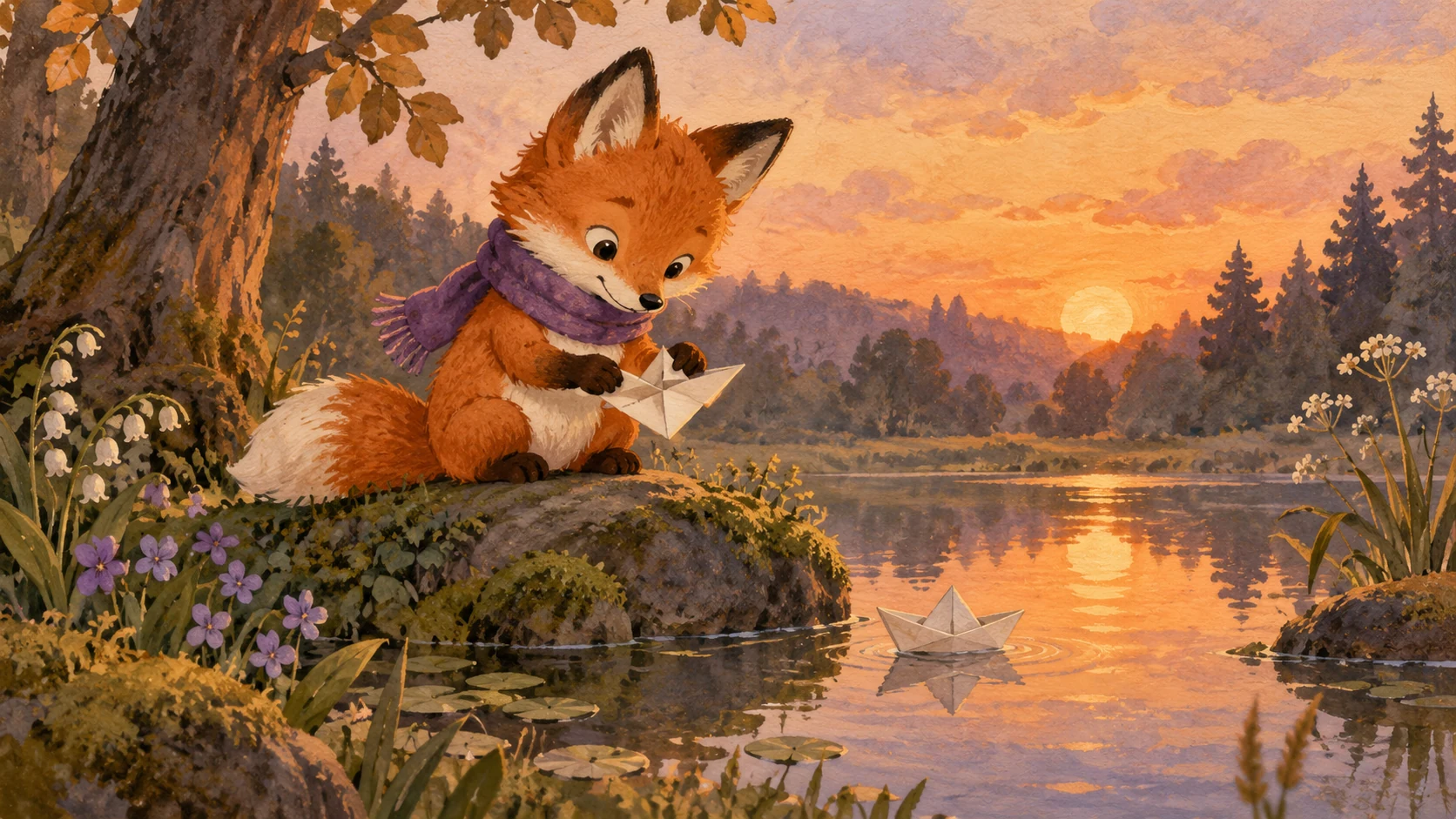
A repaired backpack or a carefully folded map can suggest habits and history. Choose objects that explain the role rather than filling empty space.

A cheerful guide may also need to look puzzled, encouraging or concerned. Test the expressions your project actually needs.
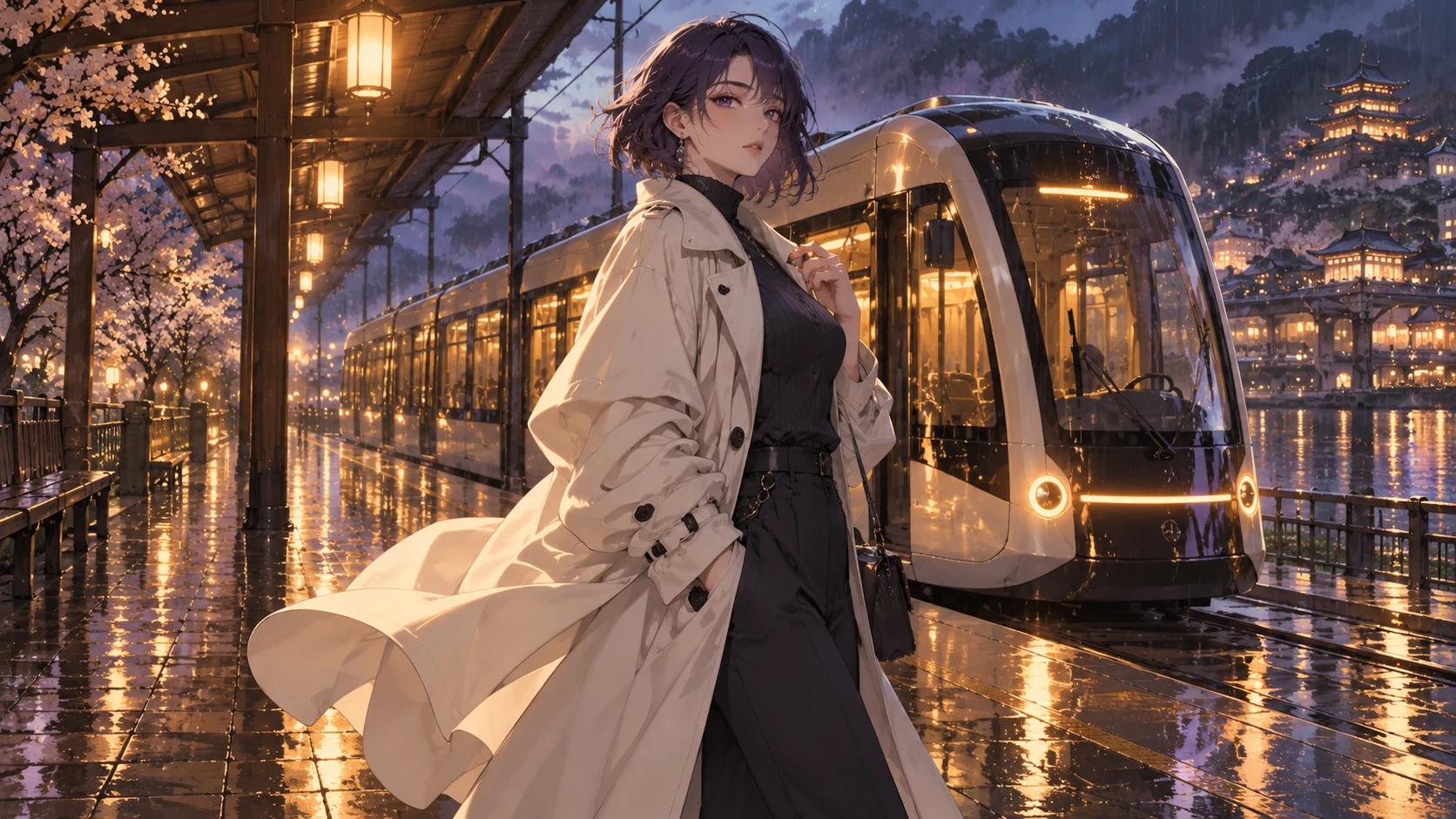
Record the accepted colors, proportions and outfit. When placing the character in a new scene, compare those identity anchors before accepting the result.
Original illustrative artwork and authored briefs show possible creative directions. Review the actual result from your selected workflow before sharing it.
Original small turtle mascot carrying a simple leaf-shaped backpack, friendly open expression and clean rounded silhouette. Flat vector-like illustration, three-color green palette, plain light background, no logo or text.
Full-body character concept of an adult mountain guide with a short rust-colored jacket, sturdy boots and a repaired canvas satchel. Calm attentive posture, painted adventure style, clearly visible hands.
Create an original story duo: a tall cautious crane and a small energetic badger, sharing a warm woodland illustration style. Distinct silhouettes, complementary teal and ochre accents, neutral poses, no text.
Design original characters for stories, mascots and creative projects. Explore a clear role, distinctive silhouette and expressive face with Toonbee AI.