An understandable story arc
Give the character a goal and an obstacle, then choose an ending that follows from the action.
Your next story Explore the credit plans for your next creative project.
 Toonbee AI
Move from an idea to a sequence of visual story beats. Plan the cast, generate short scenes and assemble a story with a beginning, a turn and an ending.

An original small mouse wearing a blue coat and round satchel sets a glowing borrowed lantern on a friend’s doorstep. A quiet garden at dusk, soft cartoon texture, fixed medium shot, one careful placing gesture and no extra action.
A story video gives the viewer a reason to continue: a character wants something, an obstacle appears and a choice changes the situation. Build that simple arc before deciding how many shots you need.
Toonbee AI can help you explore the characters and visual moments. Treat the project as a sequence of reviewed short clips, with narration, music and final timing added through the options and editing tools available to you.
Give the character a goal and an obstacle, then choose an ending that follows from the action.
Record visible character details and reuse reference images when moving between story scenes.
Judge each clip for its role in the story instead of keeping a beautiful shot that does not advance it.
Write a beginning, a complication and a resolution in three short sentences.
Turn each beat into a shot with one action, a camera position and clear character references.
Review the clips, select the moments that tell the story and arrange them in an editor with your chosen sound.
Finding a lost key or returning a borrowed book can sustain a short story. A small goal leaves enough room for expression, atmosphere and a satisfying ending.
Separate changes of place, time or major action into individual shots. Each prompt can then concentrate on the event the viewer must understand.
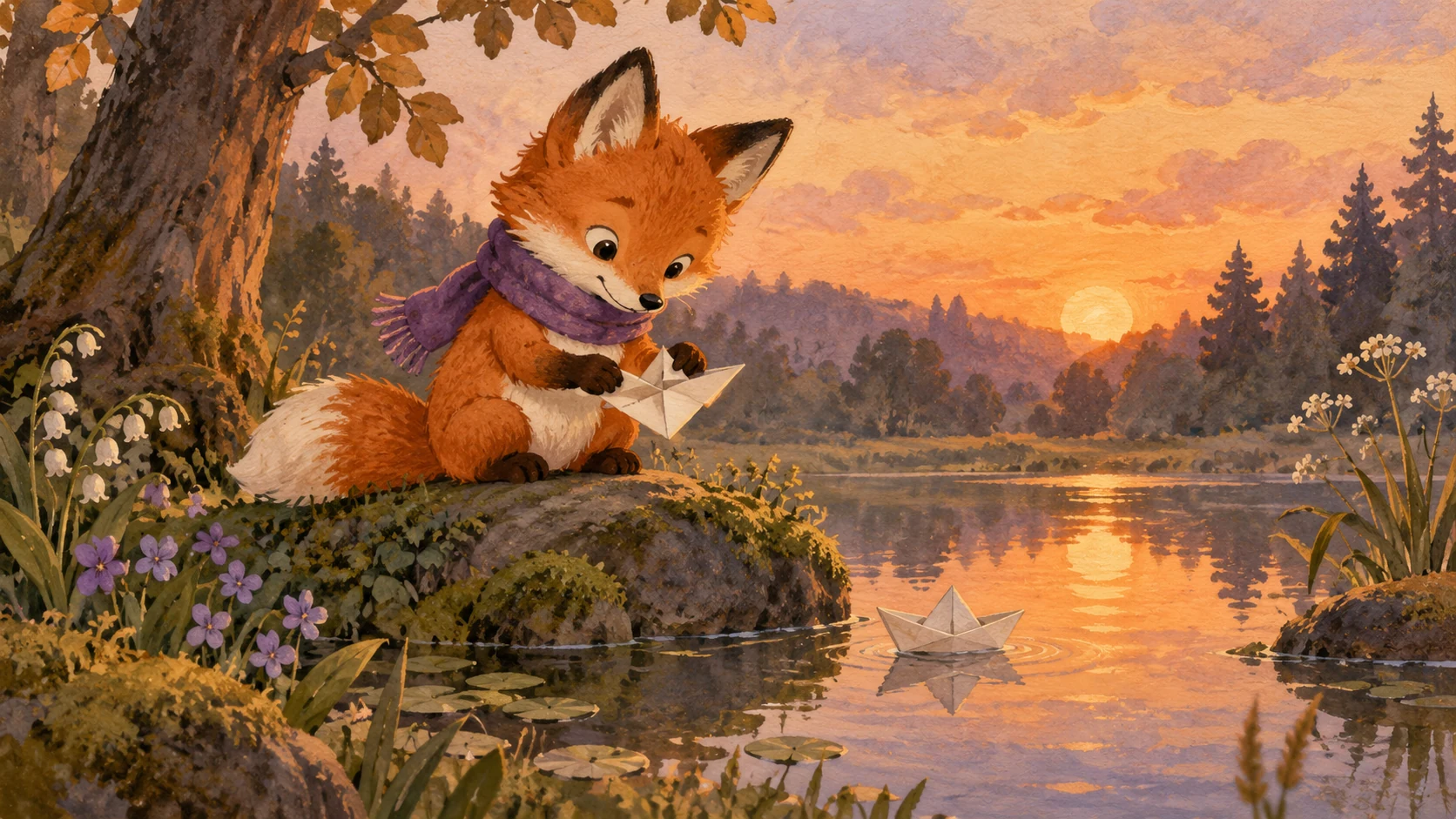
A red scarf, a handmade map or a tiny lantern can connect scenes even when the setting changes. Keep that detail consistent in references and notes.

Not every scene needs narration. A pause before a reveal or a look between characters can make the emotional beat easier to feel.
Watch the selected shots without explaining them aloud. If the cause and effect are unclear, add a connecting shot or simplify the story rather than adding more effects.

Original illustrative artwork and authored briefs show possible creative directions. Review the actual result from your selected workflow before sharing it.
An original small mouse wearing a blue coat and round satchel sets a glowing borrowed lantern on a friend’s doorstep. A quiet garden at dusk, soft cartoon texture, fixed medium shot, one careful placing gesture and no extra action.
An original small rounded cloud hovers above one dry flower in a soft blue illustrated sky. The cloud gathers itself and releases a gentle shower over the flower. Fixed composition, one simple action, no thunder, stable soft palette.
An original child sits on an autumn park bench with a bag on the empty seat beside them. A hesitant new friend stands nearby. The seated child gently moves the bag to make room. Warm light, stable outfits, one clear welcoming gesture.
Move from an idea to a sequence of visual story beats. Plan the cast, generate short scenes and assemble a story with a beginning, a turn and an ending.