Keep action and speech distinct
Write the visible action as a shot prompt and retain dialogue or narration in a separate script column.
Your next story Explore the credit plans for your next creative project.
 Toonbee AI
Break your script into purposeful shots, separate spoken words from on-screen action and generate the scenes your story actually needs.
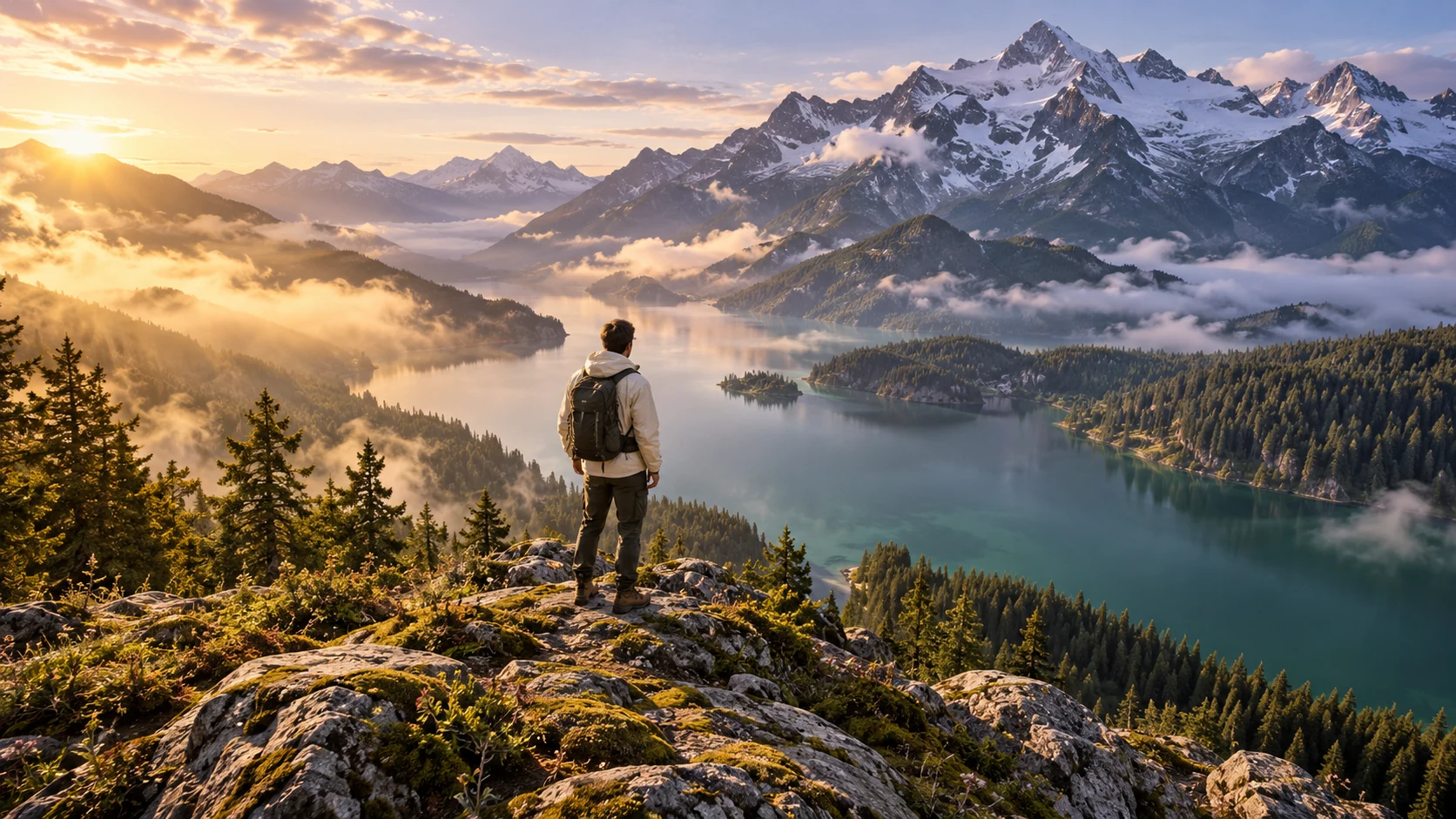
An original child in a yellow cardigan stands beside a balcony plant and gently tips a small watering can once. Warm illustrated style, fixed side view, visible soil and water, one action, no generated labels or text.
A written paragraph can contain several places, actions and thoughts. Before turning it into video, mark what the viewer can see and what must be communicated through narration, dialogue or text.
Use Toonbee AI to generate the visual shots from that breakdown. Keep a separate copy of the original script and assemble the selected clips in an editor so wording, scene order and timing remain intentional.
Write the visible action as a shot prompt and retain dialogue or narration in a separate script column.
A new location or a decisive action usually deserves its own shot rather than a longer prompt.
Number your shots and save useful takes with their scene notes so a change does not scramble the sequence.
Underline visible actions, circle location changes and separate narration from dialogue.
Give each shot a subject, setting, framing and one event. Reuse the same character notes.
Generate and review the shots, then add the original wording and timing through your editing and audio workflow.
“She feels uncertain” needs a visual choice. A hand hovering over a doorbell or a pause at a crossroads can communicate the thought without asking the image to explain it.
If an exact line matters, keep it in your script and add it as recorded speech or edited text. Visual prompts should describe the scene rather than guarantee exact spoken output.
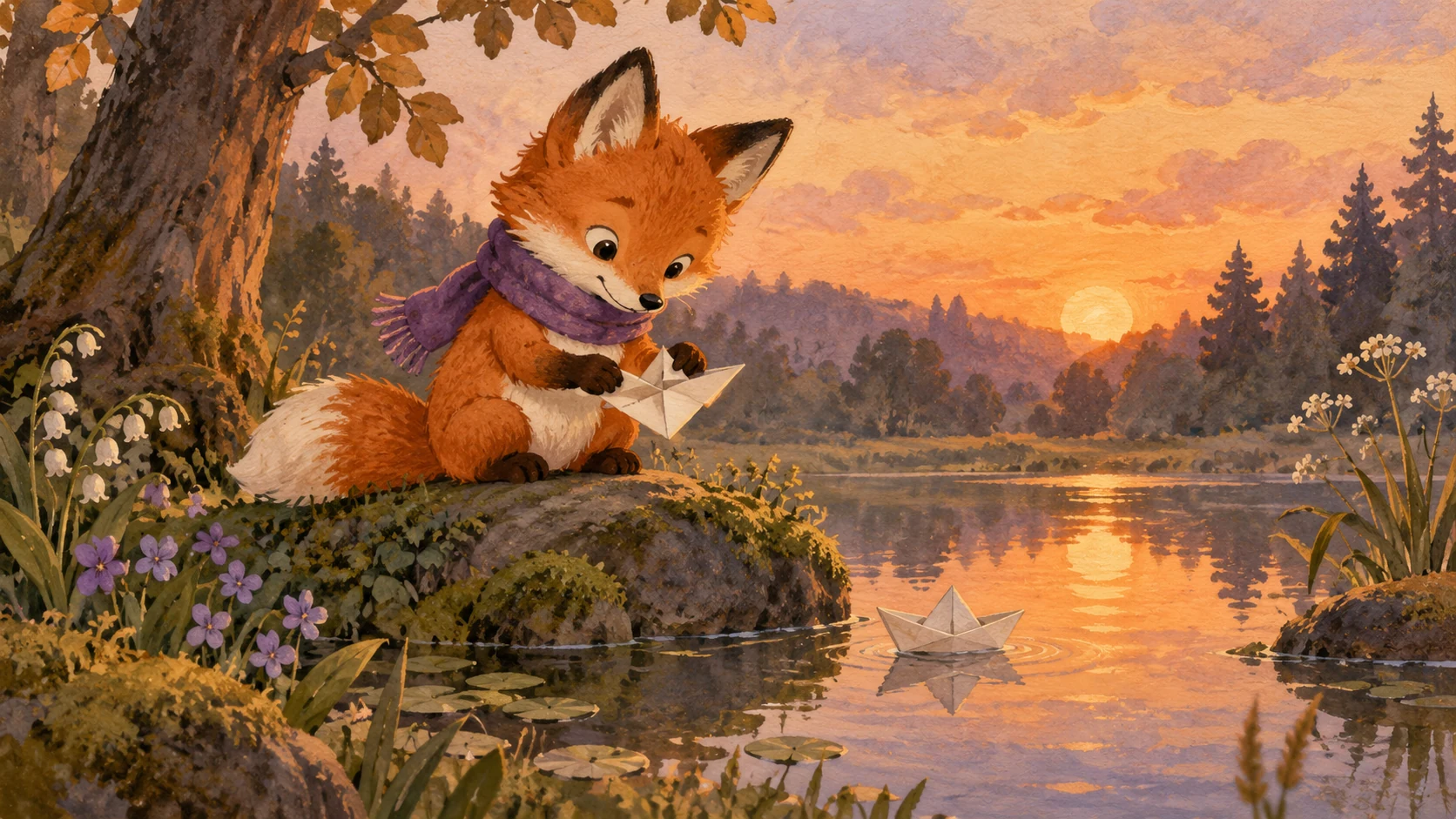
A location overview can orient the viewer, but repeated wide shots can slow a short video. Choose the smallest amount of setup needed to understand the next action.
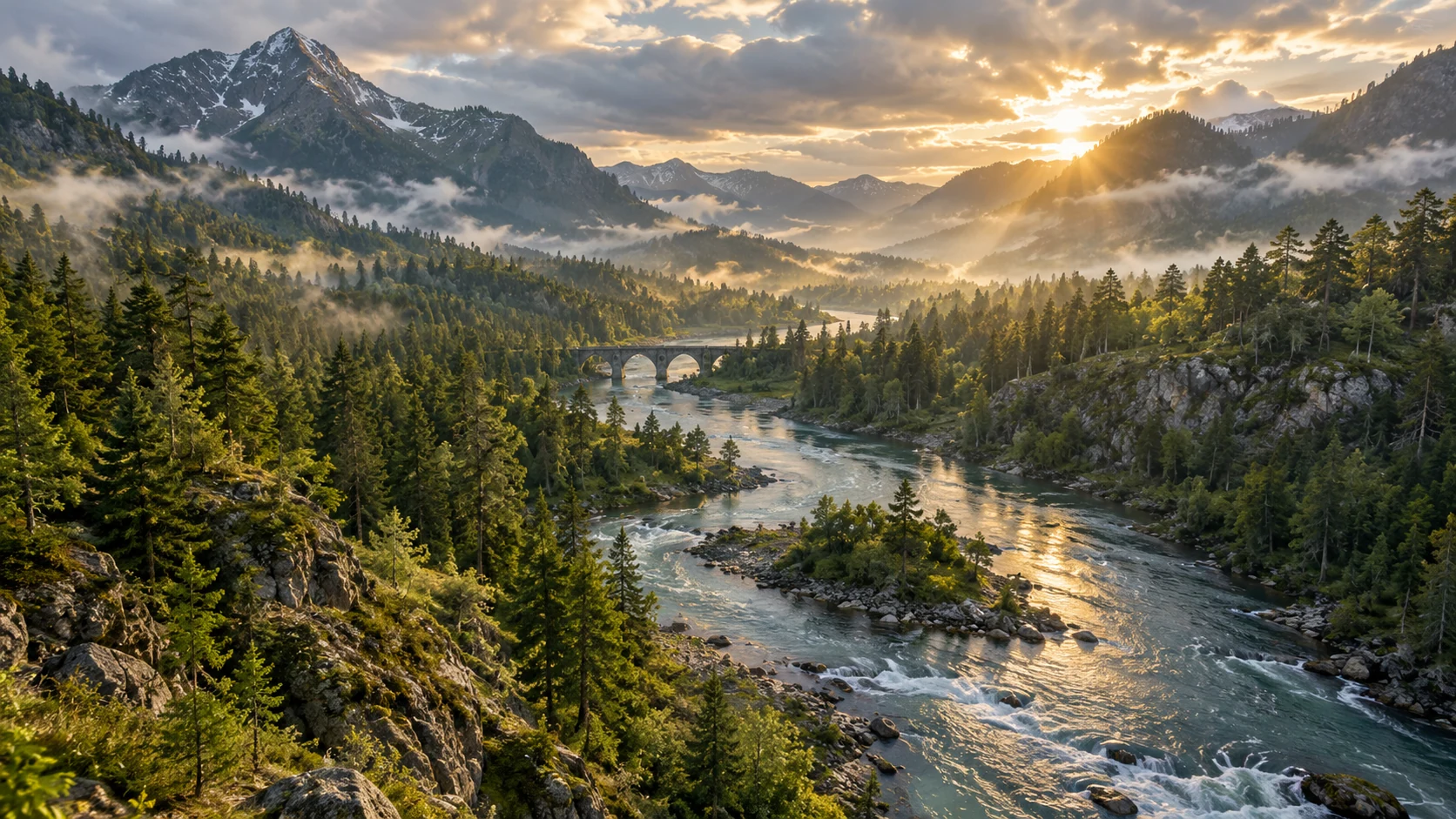
Record costume, props, time of day and movement direction beside each shot. These details matter when neighboring clips are produced separately.
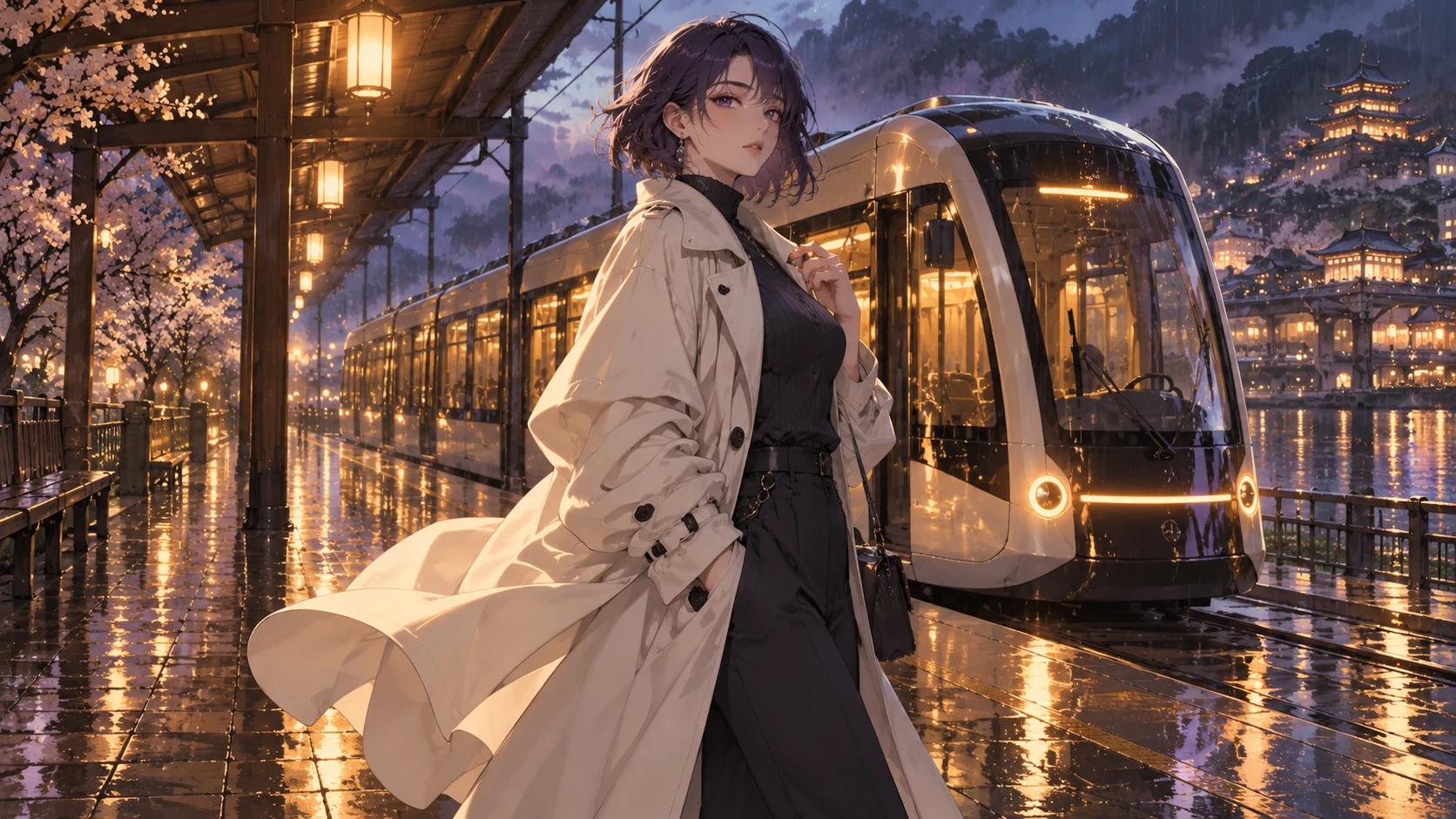
When a clip misses the action, adjust that shot’s framing or motion and retain the surrounding script. Compare the replacement in sequence before accepting it.
Original illustrative artwork and authored briefs show possible creative directions. Review the actual result from your selected workflow before sharing it.
An original child in a yellow cardigan stands beside a balcony plant and gently tips a small watering can once. Warm illustrated style, fixed side view, visible soil and water, one action, no generated labels or text.
An original animated adult sits at a quiet kitchen table with an unopened letter. Their hand pauses above the envelope, then gently turns it over. Fixed medium close-up, soft morning light, no readable text generated in the image.
A simple illustrated close-up of one hand placing a single seed into a small pot of soil. Fixed camera, clear empty space around the hand, gentle natural colors, one slow placing action, no time jump and no generated labels.
Break your script into purposeful shots, separate spoken words from on-screen action and generate the scenes your story actually needs.