A visible result for every step
Describe both the action and the expected state afterward. Learners need to know when they are ready to move on.
Your next story Explore the credit plans for your next creative project.
 Toonbee AI
Create short visual demonstrations for a step-by-step lesson. Plan clear actions with Toonbee AI, then assemble a tutorial at your learner’s pace.
Short illustrated tutorial scene of one gardener placing a small empty terracotta pot onto the center of a clean gardening table. A seedling, soil container and hand trowel remain neatly separated beside it. Fixed overhead camera, soft natural light, no text.
A useful tutorial tells viewers what they need, what to do and how to recognize success. Start with a small task that has a visible finish rather than a broad promise to teach an entire subject.
Build each demonstration as a separate scene. Toonbee AI can help visualize objects, settings and simple actions; use real recordings whenever accuracy of a screen or physical technique is essential.
Describe both the action and the expected state afterward. Learners need to know when they are ready to move on.
Include one likely error and its correction instead of assuming the viewer will perform the task perfectly on the first attempt.
Keep the presenter, surface and object arrangement stable so new steps feel like one continuous lesson.
Write the final outcome, required materials and what the learner should already know.
Make one scene per step, include a close view when useful and specify what should change on screen.
Generate your visual assets and assemble the lesson. Ask someone unfamiliar with the task to follow it, then fix any missing transitions.
An opening layout of the required objects helps learners pause and get ready. Add precise names and quantities in your editor rather than relying on generated lettering.
A wide scene establishes the workspace; a close-up can explain the contact between two objects. Change views for a learning reason, not just for variety.
Show what went wrong and the visible clue that gives it away. Keep the correction short enough that it does not interrupt the main procedure.

Allow a pause when learners must make a choice or repeat an action. Final timing comes from editing and review, not just the number of generated clips.

Show the completed task and offer two or three checks learners can perform. A recap is more useful when it helps them evaluate their own work.
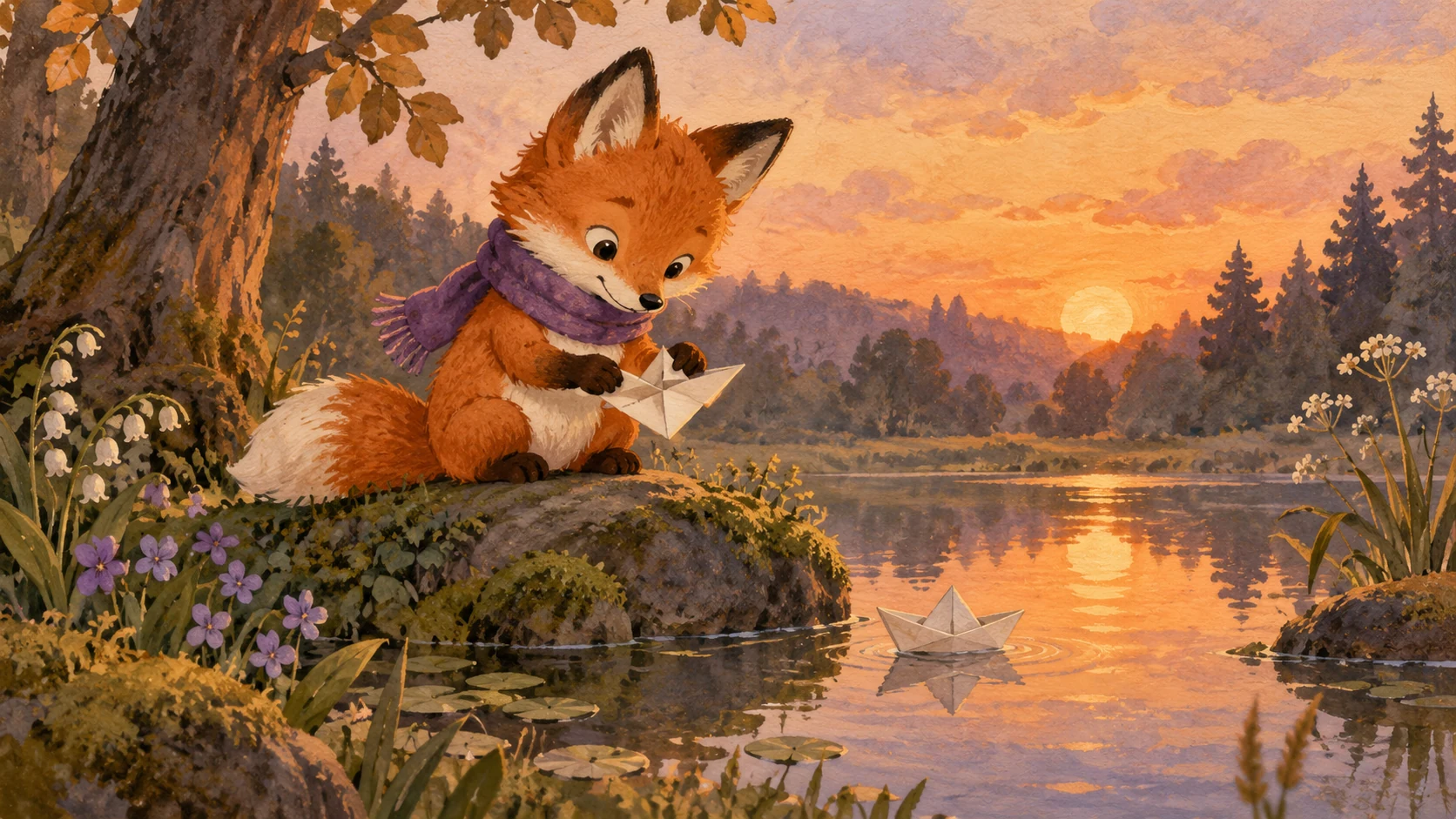
Original illustrative artwork and authored briefs show possible creative directions. Review the actual result from your selected workflow before sharing it.
Short illustrated tutorial scene of one gardener placing a small empty terracotta pot onto the center of a clean gardening table. A seedling, soil container and hand trowel remain neatly separated beside it. Fixed overhead camera, soft natural light, no text.
Short clean cartoon tutorial scene: a person places one finished blue paper boat onto a plain desk, then moves both hands out of frame to reveal it clearly. Fixed camera, simple geometry, bright even lighting, no written instructions.
Short flat-animation scene of a friendly character clearing one desk, placing a notebook at the center and setting a small timer beside it. One continuous action, fixed camera, calm colors, no readable text.
Create short visual demonstrations for a step-by-step lesson. Plan clear actions with Toonbee AI, then assemble a tutorial at your learner’s pace.