Chapters with a clear arc
Give each chapter a question, a change and a handoff to the next. This keeps a longer project from becoming a list of unrelated clips.
Your next story Explore the credit plans for your next creative project.
 Toonbee AI
Build a longer video from focused short scenes. Use Toonbee AI to create clips, check continuity and assemble your story in a video editor.

Short illustrated documentary opening shot of a quiet town market at dawn. One artisan opens a wooden shop shutter while a few baskets remain still in the foreground. Muted warm colors, steady wide viewpoint, gentle morning light, no text or montage.
A longer video needs more than a longer prompt. It needs an opening, a sequence of changes and an ending that pays off what came before. Break the project into scenes with a purpose and an approximate place in the edit.
Use Toonbee AI to generate individual visual assets and short clips, then review and assemble them with your preferred editor. Clip length and output options come from the selected generation workflow; the finished project length depends on your scene plan.
Give each chapter a question, a change and a handoff to the next. This keeps a longer project from becoming a list of unrelated clips.
Record character appearance, locations, props and time of day so each new clip starts from the same production decisions.
Test one representative scene before committing to the whole sequence. Reuse what works and revise the visual brief when it does not.
Write the main change and divide it into chapters. Estimate narration and pause time before deciding how many visual scenes you need.
Create clips one action at a time, keep continuity notes and label the accepted takes by scene number.
Combine the clips, narration and music in your editor. Watch the entire cut for pacing, missing context and abrupt changes before exporting.
A minute of slow narration and a minute of fast action need different amounts of visual material. Estimate by purpose and rhythm rather than a fixed scene count.
Reuse the same outfit, proportions and defining objects. A continuity sheet helps you catch a missing scarf or a changed color before it appears in several clips.
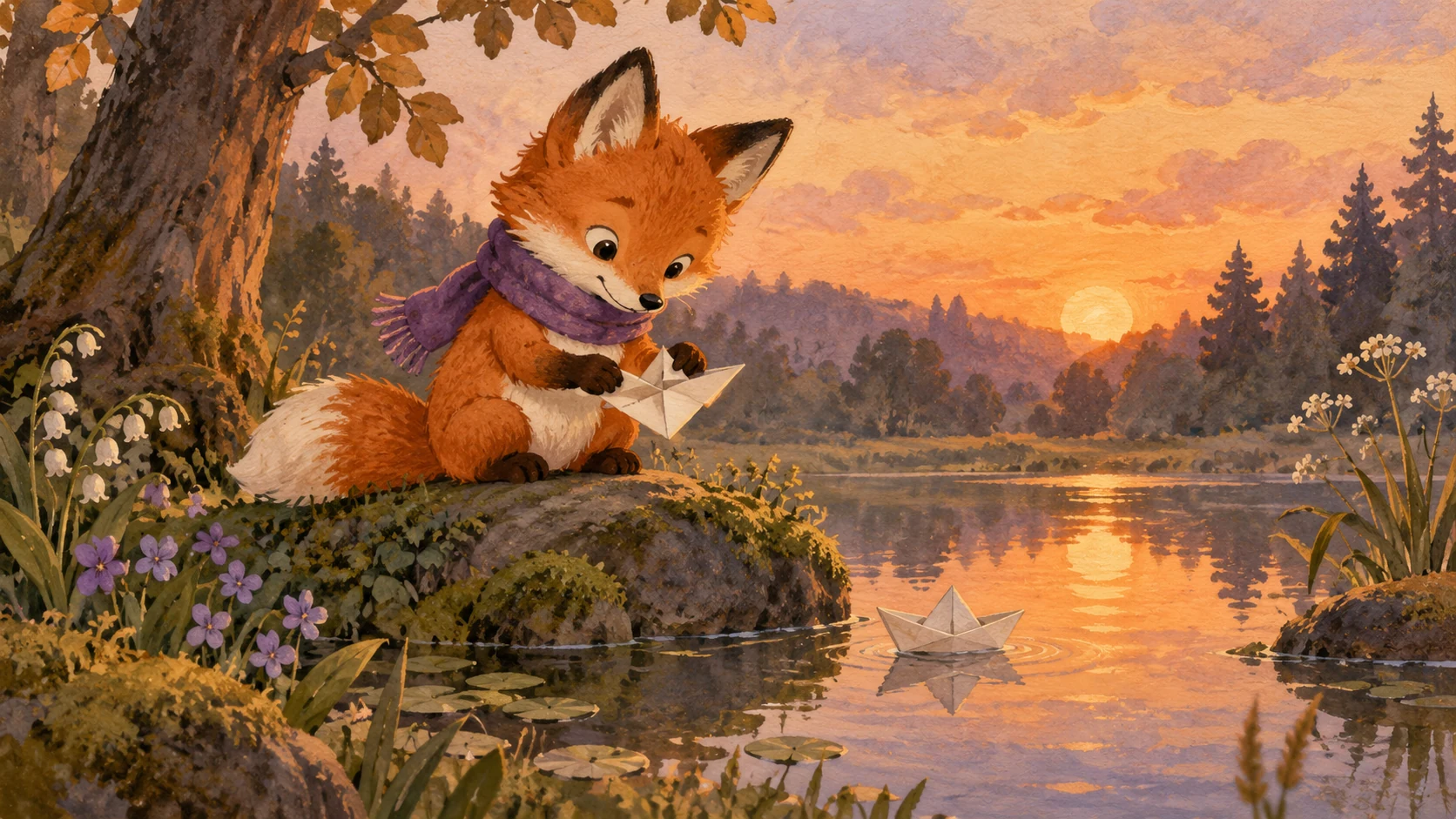
A shared object, an eyeline or a matching direction of movement can bridge two clips. Plan those connections before generating both sides of the cut.

Narration, room tone and music create continuity when the picture changes. Check your rights to audio assets and balance them during editing.

Assemble an early version with a few key scenes. If the structure does not hold together, fix the sequence before spending time on additional generations.

Original illustrative artwork and authored briefs show possible creative directions. Review the actual result from your selected workflow before sharing it.
Short illustrated documentary opening shot of a quiet town market at dawn. One artisan opens a wooden shop shutter while a few baskets remain still in the foreground. Muted warm colors, steady wide viewpoint, gentle morning light, no text or montage.
Short cinematic cartoon clip: a young rabbit courier checks a glowing lantern on a bicycle basket outside a hillside cottage. Morning mist, moss-green jacket, gentle push-in, one deliberate action, no dialogue required.
Short illustrated landscape shot of a winding river leading from a mountain village toward a distant harbor. A tiny red delivery bicycle slowly crosses the foreground bridge from left to right. Fixed wide camera, calm empty sky for a chapter title added later.
Build a longer video from focused short scenes. Use Toonbee AI to create clips, check continuity and assemble your story in a video editor.