Phone-friendly composition
Place the main character below the clock area and keep the edges forgiving so different crops still work.
Your next story Explore the credit plans for your next creative project.
 Toonbee AI
Design an original Halloween wallpaper around friendly ghosts, black cats or glowing pumpkins. Leave room for your screen clock, icons and everyday use.
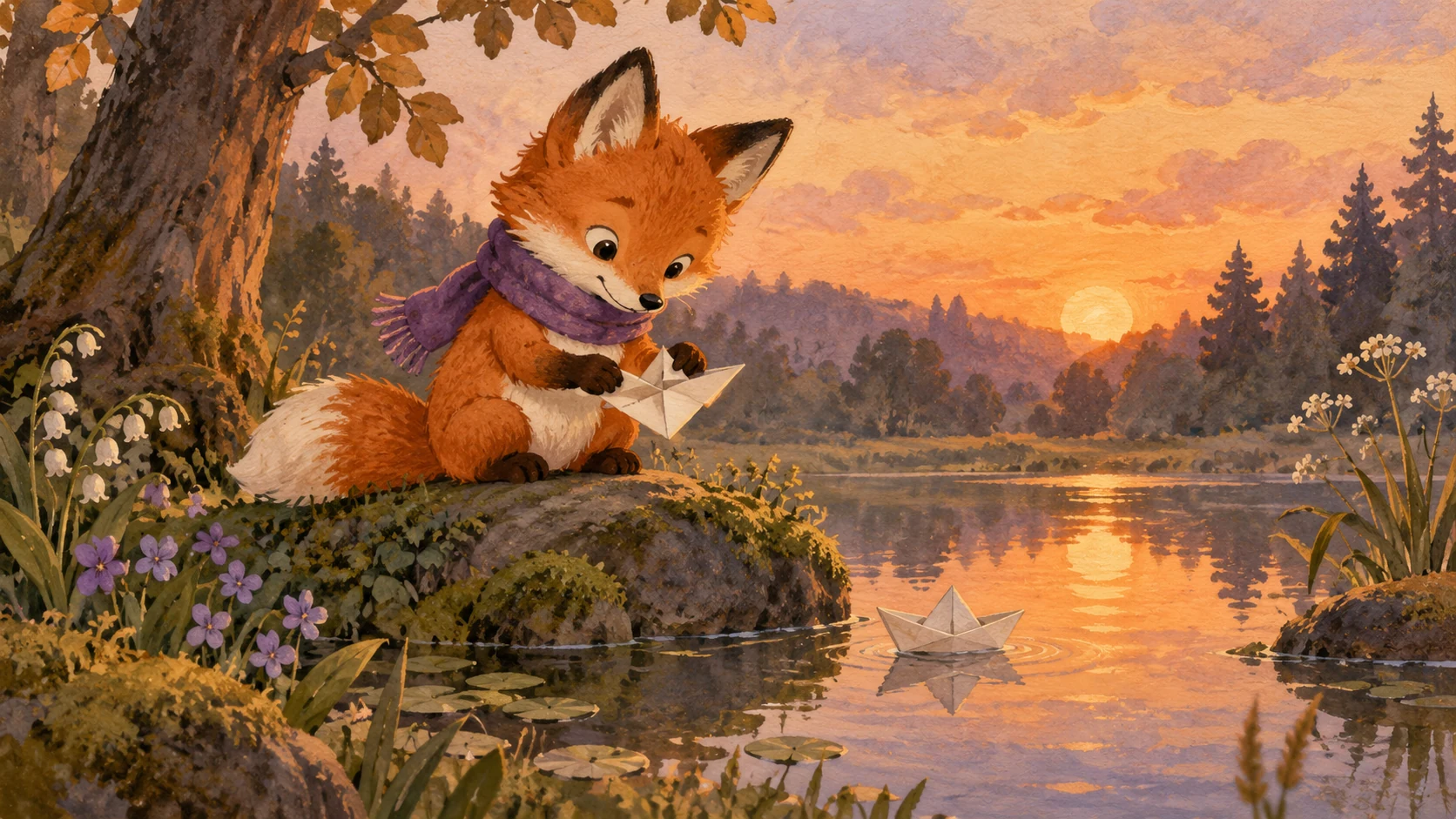
Portrait Halloween wallpaper, a small friendly ghost reading beside a pumpkin lamp in the lower third, warm cream and muted orange palette, softly painted paper texture, uncluttered dark upper area for a clock, no text, no logos.
A wallpaper needs more than a seasonal subject. Its focal point, empty areas and contrast all affect how comfortable the screen feels after the image is applied. Start with the device shape before choosing the decoration.
Build a quiet corner of pumpkins, a cozy ghost reading nook or a moonlit cat silhouette. Keep the details you love while protecting the space used by the clock and app labels.
Place the main character below the clock area and keep the edges forgiving so different crops still work.
Extend the setting horizontally with a quiet side for desktop icons rather than stretching a narrow phone design.
Use warm light and rounded shapes for a cute look, or deeper shadows for a more atmospheric evening scene.
Choose portrait for a phone or landscape for a desktop and note where your clock and icons sit.
Choose one main subject, a small supporting detail and a limited color palette; ask for no lettering.
Save the image, apply it through the device wallpaper settings, and check the crop and label readability.
A calm sky or softly textured wall is easier to read over than a busy cluster of faces. Keep the top part simple when creating lock-screen artwork.
One friendly ghost with a tiny lantern can feel warmer than a page full of decorations. Use the rest of the composition to support that small story.
Reuse the same palette and character for phone and desktop versions, but restage the subject for each aspect ratio. Matching color is more useful than an identical crop.

Preview the wallpaper with your actual widgets and icon labels. If they disappear into the image, soften the background contrast or move bright details away.

A candle flicker or a drifting leaf can become a separate short animation based on the wallpaper. Keep a still version for devices that do not support moving backgrounds.

Original illustrative artwork and authored briefs show possible creative directions. Review the actual result from your selected workflow before sharing it.
Portrait Halloween wallpaper, a small friendly ghost reading beside a pumpkin lamp in the lower third, warm cream and muted orange palette, softly painted paper texture, uncluttered dark upper area for a clock, no text, no logos.
Wide desktop wallpaper, a black cat silhouette beside two glowing pumpkins at the far right of a moonlit windowsill. Quiet navy space on the left for icons, gentle autumn leaves, cozy rather than frightening, no lettering.
Vertical seasonal illustration of miniature pumpkins and a shy ghost in a small garden at dusk. Rounded shapes, low visual clutter, soft violet sky, the subject near the bottom, crop-safe margins, no words.
Design an original Halloween wallpaper around friendly ghosts, black cats or glowing pumpkins. Leave room for your screen clock, icons and everyday use.